



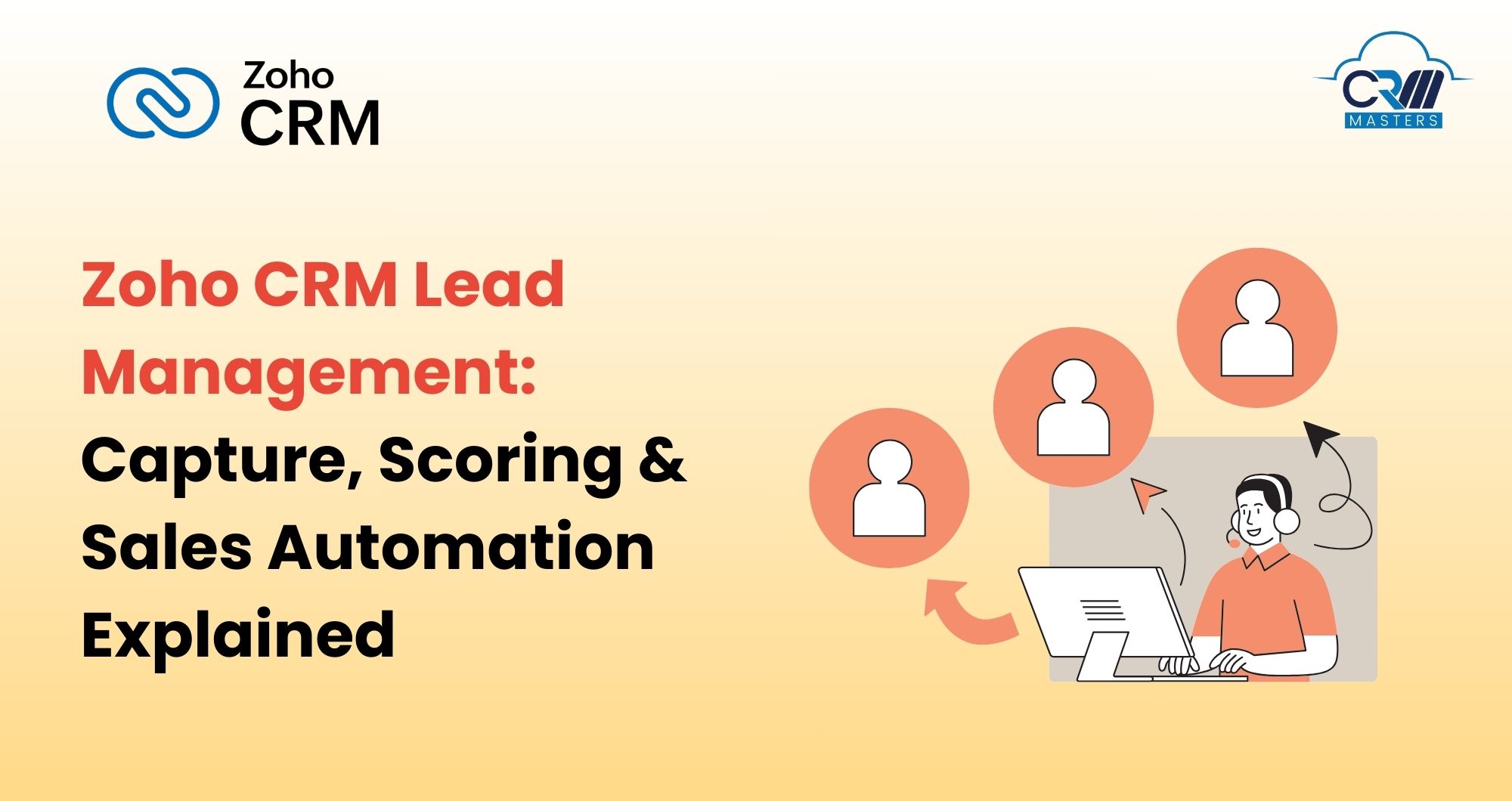
Zoho CRM Lead Management: Capture, Scoring & Sales Automation Explained
In modern sales environments, managing leads manually is one of the biggest reasons for low conversion rates and missed revenue opportunities. Leads come from multiple channels, sales cycles are longer, and customers expect fast, personalized responses. This is where Zoho CRM Lead Management becomes a critical growth enabler.
Zoho CRM Lead Management helps businesses capture leads from multiple sources, qualify them using scoring rules, automate follow‑ups, and convert them into customers efficiently. When combined with CRM automation, integrations, and expert implementation, it creates a structured, scalable sales engine.
In this blog, we’ll cover how Zoho CRM lead management works, its key features, automation capabilities, best practices, real‑world use cases, and FAQs.
What Is Zoho CRM Lead Management?
Zoho CRM Lead Management is the process of capturing, tracking, qualifying, nurturing, and converting leads within Zoho CRM. It ensures every prospect is recorded, prioritized, and followed up with systematically, without relying on manual effort.
Lead management is a structured approach to handling incoming leads to maximize their potential as new business opportunities. It involves qualifying, analysing, and nurturing leads from various sources to convert them into successful deals.
Rather than treating all leads equally, Zoho CRM enables businesses to segment, score, and route leads automatically based on interest, behavior, and readiness to buy.
Lead management becomes significantly more powerful when combined with Zoho CRM automation, CRM customization, and integrations across the Zoho ecosystem.
Why Lead Management Is Critical for Sales Success
Poor lead management can result in lost opportunities, overlooked prospects, and a disorganized sales process.
Without a structured lead management system, businesses face:
- Missed or delayed follow‑ups
- Poor lead quality was passed to sales teams
- Inconsistent qualification criteria
- Low visibility into lead sources and performance
Efficient lead management is crucial for businesses to:
- Increase Conversion Rates: Effective lead nurturing helps businesses build strong relationships with potential customers, increasing the chances of conversion.
- Streamline the Sales Process: A systematic approach ensures that no leads are lost, mismanaged, or forgotten.
- Reduce Costs: Focusing on qualified leads and automating repetitive tasks reduces costs and improves efficiency.
With Zoho CRM lead management, businesses can:
- Respond instantly to new inquiries
- Focus sales efforts on high‑intent leads
- Improve lead‑to‑deal conversion rates
- Align marketing and sales teams
- Scale lead handling without increasing headcount
Common Challenges in Lead Management
Before exploring Zoho CRM’s features, it’s important to understand the challenges businesses face without the right system in place.
1. Manual Data Entry: Sales teams often struggle with the time-consuming task of manually entering lead information into spreadsheets or separate systems. This process is not only slow but also prone to errors.
2. Lack of Integration: Disconnected processes restrict the ability to gain a complete view of leads and their interactions with the business, complicating lead management and affecting overall efficiency.
3. Inefficient Lead Nurturing: Without well-defined nurturing workflows, leads can fall through the cracks or receive generic communications that don’t address their specific needs, leading to missed opportunities.
4. Poor Lead Quality: A high volume of leads doesn’t guarantee sales success if those leads aren’t properly qualified. Poor lead quality results in wasted resources and lower ROI.
5. Limited Insight: The absence of reliable reporting and analytics makes it difficult for teams to identify trends, track performance, and optimize their strategies.
Key Components of Zoho CRM Lead Management
1. Lead Capture from Multiple Channels
Zoho CRM allows businesses to capture leads from:
- Website forms and landing pages (including WordPress, Joomla, and Unbounce, without any coding)
Email campaigns - Social media platforms, including automatic syncing of Facebook Lead Ads and Twitter activity directly into Zoho CRM
- Live chat and chatbots, through Zoho SalesIQ integration, allow website visitors to be saved as leads and segmented according to your sales pipeline
- Business cards and QR codes
- Manual imports and API integrations
All leads are stored centrally with complete source and activity data, giving sales teams full visibility from day one.
2. Lead Assignment Rules
Assignment rules automatically route leads to the right sales representatives based on predefined criteria such as:
- Geography
- Product interest
- Lead source
- Company size
Zoho CRM also supports automated lead distribution through workflow rules, helping smooth lead assignment within teams across specific departments, products, or geographies.
This ensures faster response times and better customer experience while eliminating manual lead distribution.
3. Lead Scoring for Better Qualification
Not all leads are created equal. Some prospects are ready to buy, while others may still be in the early stages of their buying journey. This is where lead scoring becomes essential. Zoho CRM lead scoring helps sales teams focus on leads that are most likely to convert.
Scores can be assigned based on:
- Demographic data (industry, role, company size)
- Behavioral actions (email opens, website visits, form submissions)
- Engagement with marketing campaigns
Leads that engage more with your content, visit your website multiple times, or respond to your emails are likely to receive a higher score, indicating they are closer to making a purchase.
High‑scoring leads are prioritized for immediate follow‑up, while low‑scoring leads continue to be nurtured automatically.
4. Lead Nurturing and Follow‑Up Automation
With workflow automation, Zoho CRM can:
- Send automated follow‑up emails
- Create tasks and reminders for sales reps
- Trigger alerts based on lead activity
- Update lead stages automatically
Zoho CRM also supports omnichannel lead nurturing, including webinars, social media, live chat, personal interactions, telephone, and targeted email marketing campaigns, creating the best opportunities to engage leads across every touchpoint.
Automation also allows you to stick to a regular contact schedule, ensuring each lead is well cared for and improving the chances of conversion. This ensures no lead is forgotten and follow‑ups happen at the right time without manual tracking.
5. Lead Conversion Management
Once a lead is qualified, Zoho CRM allows seamless conversion into:
- Contacts
- Accounts
- Deals
All historical interactions, emails, notes, and activities are retained, ensuring complete continuity throughout the sales cycle.
6. Advanced Segmentation
Zoho CRM includes tools for sorting leads into groups based on behavior, source, and demographics. This feature helps you create focused marketing and sales campaigns. With better segmentation, your messaging can meet the specific needs and interests of different lead groups, leading to more engagement and higher conversion rates.
7. Lead Intelligence with Zia
Through Zia’s data enrichment functionality, Zoho CRM can automatically obtain deeper information about leads based on the primary data you’ve already captured. This enriches lead profiles and significantly improves the quality and effectiveness of future nurturing efforts.
Zoho CRM Lead Management and Automation
Zoho CRM lead management works best when combined with automation features such as:
- Workflow rules for instant actions
- Blueprints for standardized qualification processes
- SalesSignals for real‑time alerts
- Approval processes for special pricing or discounts
This combination transforms Zoho CRM into a proactive sales system rather than a passive database.
How to Implement Zoho CRM for Lead Management
Getting the most out of Zoho CRM requires a thoughtful implementation approach:
1. Select and Configure the Right Setup: Ensure all features like lead management, automation, and integrations align with your business goals.
2. Customize to Fit Your Sales Workflows: Adjust pipeline stages, add custom fields, and design workflows that mirror your unique sales process.
3. Optimize Lead Capture: Set up automated systems to seamlessly collect lead data from all channels, web forms, social media, or email campaigns.
4. Automate Lead Nurturing: Create automated email sequences and follow-up reminders that respond to lead behavior to keep prospects engaged.
5. Enable Team Collaboration: Use Zoho CRM as a central hub for all lead information across sales, marketing, and customer service teams.
6. Monitor and Refine with Analytics: Track conversion rates and the effectiveness of lead sources regularly to optimize your strategies.
7. Train Your Team: Provide comprehensive training and regular feedback to maximize CRM adoption and performance.
Challenges in Zoho CRM Lead Management
Without a structured lead management system, businesses consistently struggle with the same core problems that hurt revenue and sales efficiency.
1. Missed or Delayed Follow‑Up
Manual tracking causes critical follow-ups to slip, allowing high-potential leads to disengage. Delayed responses directly translate into lost revenue opportunities.
2. Poor Lead Quality Passed to Sales Teams
A high volume of leads means nothing if they aren’t properly qualified. Unqualified leads waste sales effort, drain resources, and result in poor conversion rates and low ROI.
3. Lack of Integration
Disconnected tools and systems prevent teams from getting a complete view of a lead’s journey, creating blind spots that complicate follow-ups.
4. Inefficient Lead Nurturing
Without defined nurturing workflows, leads either receive no communication or generic messaging that fails to address their specific needs.
5. Limited Insight and Reporting
Without reliable analytics, marketing and sales teams struggle to track performance and identify what’s working to improve their lead management strategy.
6. Low CRM Adoption
Even a well-configured CRM delivers little value if the team doesn’t use it consistently. Inadequate training and poor onboarding remain key reasons why businesses fail to get results from their CRM investment.
Why Work with Zoho Consultants for Lead Management?
Experienced Zoho consultants help businesses:
- Define lead qualification and scoring strategy
- Configure automation and Blueprints correctly
- Align CRM with marketing and sales processes
- Optimize lead conversion workflows
Working with a certified Zoho implementation partner ensures that lead management delivers a measurable revenue impact.
Best Practices for Zoho CRM Lead Management
1. Define What Qualifies as a Sales‑Ready Lead: Decide what kind of lead is ready for sales. This helps your team focus only on serious prospects and avoid confusion.
2. Use Scoring Rules Instead of Manual Judgment: Set rules in Zoho CRM to score leads based on their actions and details. This helps your team focus on leads that are more likely to convert.
3. Automate Follow‑Ups but Keep Messaging Personalized: Use automation to send follow-ups on time, but make sure messages feel personal. This builds trust and improves replies.
4. Leverage Omnichannel Nurturing: Reach out through email, social media, chat, and calls. Staying active on multiple channels increases your chances of conversion.
5. Regularly Review Lead Source Performance: Review where your leads are coming from. Focus more on the sources that bring better quality leads.
6. Continuously Optimize Based on Conversion Data: Regularly check your pipeline, scoring, and processes. Make changes based on what is working to improve results.
Train Your Team and Encourage Adoption: Make sure your team understands how to use Zoho CRM well. Better usage leads to better results.
Final Thoughts
Zoho CRM lead management is the foundation of a high‑performing sales organization. By capturing leads accurately, qualifying them intelligently, and automating follow‑ups, businesses can significantly improve conversion rates and sales efficiency.
When supported by expert CRM implementation, automation strategy, and ongoing optimization, Zoho CRM becomes a powerful revenue engine that scales with business growth.
FAQs
Q1. What is Zoho CRM lead management used for?
Zoho CRM lead management is used to capture, qualify, nurture, and convert leads efficiently while improving sales productivity.
Q2. Can Zoho CRM automate lead follow‑ups?
Yes, Zoho CRM supports automated emails, tasks, reminders, and alerts for consistent follow‑ups.
Q3. Is lead scoring available in Zoho CRM?
Yes, Zoho CRM offers rule‑based lead scoring using demographic and behavioral data.
Q4. Can Zoho CRM integrate with marketing tools?
Absolutely. Zoho CRM integrates seamlessly with marketing platforms and other Zoho applications.
Q5. Do small businesses benefit from Zoho CRM lead management?
Yes. Zoho CRM is highly scalable and helps small businesses manage leads efficiently without increasing costs.