




What Is Social CRM and Why Do Businesses Need It in 2026
Somewhere right now, a customer is tagging your brand in a comment, sliding into your DMs with a question, or venting about a bad experience on X. Your sales team has no idea. Your support team has no idea. And by the time someone finally spots it, the customer has already moved on, possibly to a competitor.
This is the gap social CRM was built to close. In Sprout Social’s 2026 research, 73 percent of consumers said they would switch to a competitor if a brand failed to respond to them on social media. Businesses that treat social media as separate from their CRM are working with half the picture, and customers notice the difference.
This blog breaks down what social CRM actually means, how it works, and which tools are worth considering in 2026.
⚡
Quick Summary
🔗
Social CRM links social media conversations, comments, mentions, and DMs directly to customer profiles in your CRM.
👥
It gives sales, marketing, and support teams one shared view of every customer, instead of scattered, disconnected data.
🚀
It speeds up support response times, helps sales teams catch and qualify leads earlier, and gives marketing real insight into what audiences actually care about.
🧩
Businesses can choose between CRMs with social features built in, or standalone social tools connected through integration.
⭐
Worth exploring: Zoho CRM, Freshsales, Sprout Social, Agorapulse, Sprinklr, and Intercom — each suited to a different type of business and budget.
What Is Social CRM?
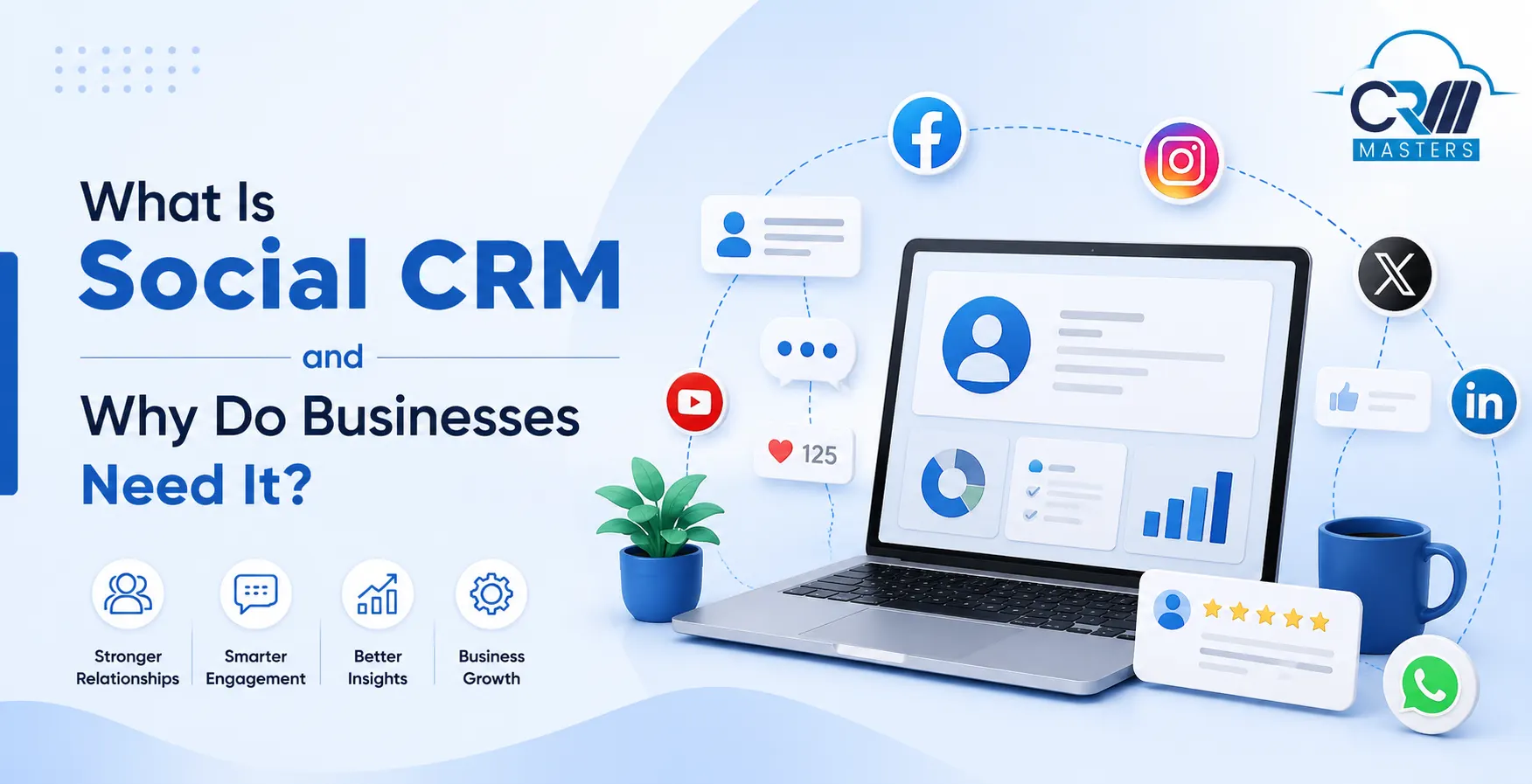
Social CRM stands for social customer relationship management. It connects your social media activity, such as comments, mentions, likes, and direct messages, with your regular CRM system.
In simple terms, it takes what customers say about your brand on social media, such as X, LinkedIn, Instagram, Facebook, etc and links it to their profile in your CRM. Your sales, support, and marketing teams can then see this information alongside emails, calls, and past purchases.
The result is one complete view of every customer, built from both what they buy and what they say online.
💡 Good to know: Social CRM is not a replacement for your existing CRM. It is an extension that enriches the customer records you already have with real-time social context.
How Is Social CRM Different From Traditional CRM?
Traditional CRM and social CRM work together, but they focus on different things.
| Traditional CRM | Social CRM |
|---|---|
| Tracks past actions like purchases and support tickets | Tracks real-time conversations happening right now |
| Handles structured data such as emails and phone calls | Handles unstructured data such as comments and DMs |
| Managed mostly by one team | Shared across marketing, sales, and support |
| Business controls when and how conversations happen | Customers control when and how they reach out |
| Reacts to customer requests | Builds relationships before a sale even happens |
How Does Social CRM Work?
Social CRM follows a simple flow behind the scenes.
1. Capture social activity
The system stays connected to your social accounts and picks up comments, mentions, reviews, and messages the moment they happen, so nothing depends on someone noticing it manually.
2. Match activity to customer profiles
Each interaction gets checked against your existing records. If the person is already a customer, it links to their profile; if not, a new lead profile gets created automatically.
3. Add context from your CRM
Once matched, that profile already carries what your CRM knows about them, including past purchases, support history, and earlier conversations, so the new activity is read with context, not in isolation.
4. Share the full picture with your team
Sales, support, and marketing can all see the same complete customer view, no matter which channel someone used to reach out. Nobody has to ask a customer to repeat themselves.
This flow means a customer never has to repeat their issue, and no team member starts a conversation blind.
Why Do Businesses Need Social CRM?

Social media is often the first place customers interact with a brand, long before they fill out a form or make a call. Businesses that ignore this miss valuable signals about what people want.
It speeds up customer support
Support agents get full context about a customer’s history the moment a message comes in. This cuts down response time and avoids back-and-forth questions.
It helps you find and qualify new leads
Conversations, mentions, and shares on social media often signal genuine interest. Social CRM helps sales teams spot these signals and follow up at the right time.
It gives you real audience insights
Comments and reactions reveal what customers actually care about, not just what they say in surveys. Teams can use this to shape better content and offers.
It makes content more relevant
Instead of guessing what to post, teams can create content based on real conversations and interests they have already tracked through social CRM.
It builds trust through faster, public responses
Replying quickly to both praise and complaints shows other customers that your brand listens.
It connects social activity to real business results
By linking comments, clicks, and shares to your CRM data, you can see which social efforts actually lead to sales, not just likes.
Common Challenges of Social CRM
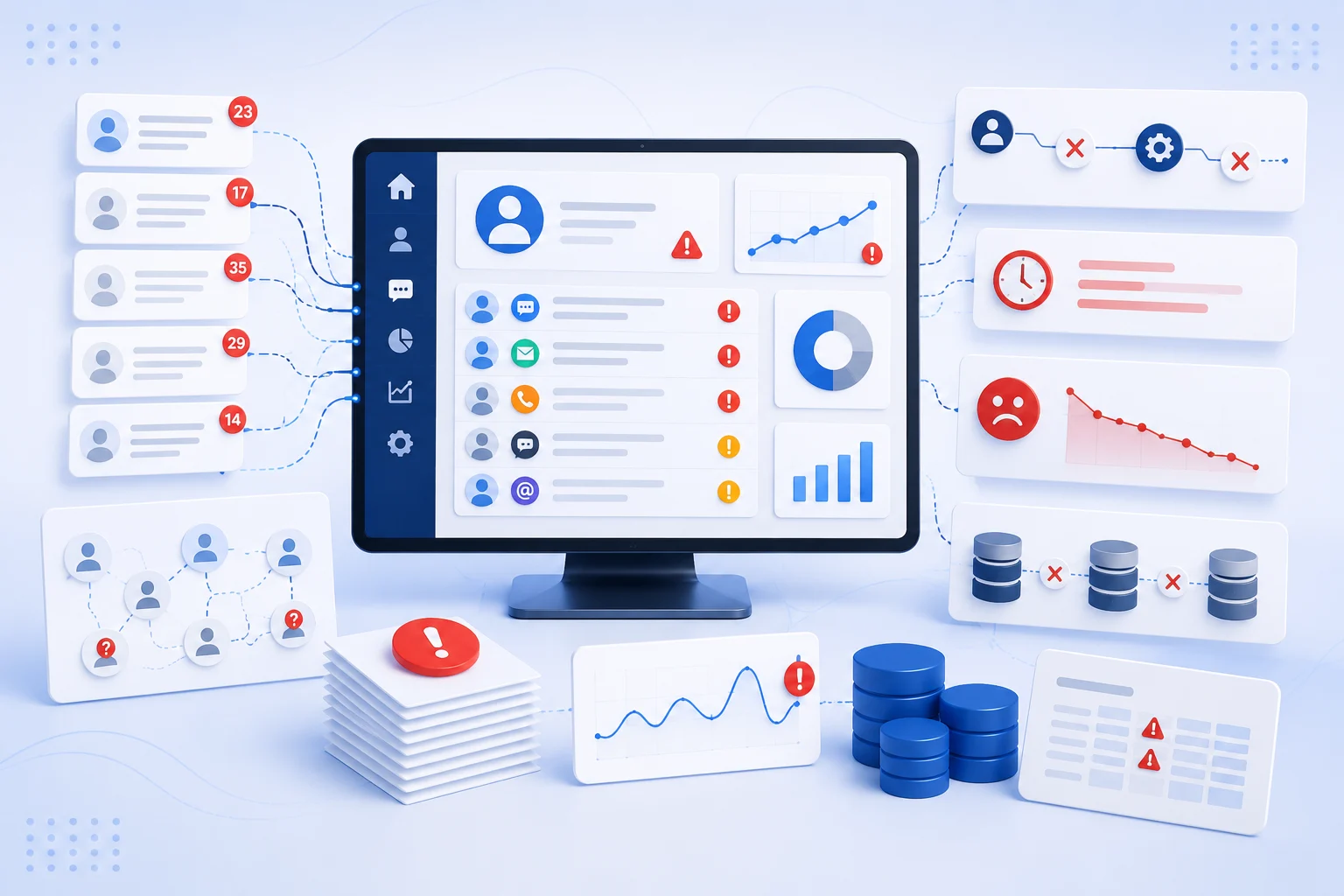
Social CRM brings real value, but it is not without a few hurdles.
1. Not Enough Clarity
Social channels generate a huge volume of mentions and messages every day. Without filters, teams can miss the conversations that actually matter.
2. Getting Every Team on Board
Social CRM only works when marketing, sales, and support actually use it consistently. Clear roles and simple workflows make adoption easier.
3. Keeping up With New Platforms
Social media trends and platforms change fast. Businesses need tools flexible enough to add new channels without a full system overhaul.
4. Proving the Return on Investment
Connecting a comment or a share to an actual sale takes time and the right tracking in place. Patience and consistent data linking help close this gap.
How to Build a Simple Social CRM Strategy
A working social CRM strategy does not need to be complicated. These five steps cover the basics.
1. Review what you already have. Check which social channels your customers use and what data your current CRM already tracks.
2. Set clear goals. Decide if you want faster support, more leads, or better content, since each goal shapes different priorities.
3. Pick the right tools. Choose a CRM with built-in social features, or connect standalone social tools through integrations.
4. Align your teams. Agree on who responds to what, so conversations get handled without confusion or delay.
5. Track and adjust. Review your results regularly and refine your approach as customer behavior on social media keeps changing.
✅ Recommendation: Do not try to perfect every step before you begin. Start with steps one and two, connect a single channel, and let steps three through five evolve as your team learns what actually works.
Types of Social CRM Setup
Businesses generally choose between two approaches.
-
Built-in Social Features
Some CRM platforms include social media tools directly inside the system. Everything stays in one place, though the social features may be more basic.
-
Standalone Social Tools with Integration
Other businesses use dedicated social media tools and connect them to their CRM through integrations. This offers deeper social features while keeping customer records updated.
Both approaches aim for the same outcome: one unified view of the customer across every channel.
Top 6 Social CRM Tools to Know
Several platforms help businesses bring social data into their CRM. Here is a closer look at six worth knowing, each suited to different needs and budgets.
1. Zoho CRM
Zoho CRM combines sales, marketing, and support in one platform, with social media monitoring built into its Professional tier and above. Teams can track brand mentions, add leads from social profiles, and manage conversations without leaving the CRM.
Key features:
- Built-in social media monitoring for platforms like Facebook and X.
- Automatic lead and contact creation from social interactions.
- AI-powered insights through Zia for lead scoring and recommendations.
- Unified view combining social activity with sales and support history.
Best for: Small and mid-sized businesses that want social features bundled into an affordable, all-in-one CRM.
Starting price: Paid plans begin around $14 per user per month, with a free tier available for very small teams.
2. Freshsales (Freshworks CRM)
Freshsales bundles a built-in dialer, chat widget, and social media integrations into every plan, not just the higher tiers. Its Freddy AI assistant scores leads using behavioral and social signals, which helps sales reps prioritize who to contact first.
Key features:
- Social media integrations included on all plans, even the free tier
- Freddy AI lead scoring based on engagement and social activity
- Built-in phone, email, and chat in one workspace
- Native integration with Freshdesk for shared support context
Best for: Small businesses that want built-in communication tools without paying extra for social add-ons.
Starting price: A free plan supports up to three users, with paid plans starting around $9 per user per month.
3. Sprout Social
Sprout Social is a social-first platform built around a Smart Inbox that consolidates messages, comments, and reviews from every connected channel. It leans more toward social media management than traditional CRM, but connects to CRMs like HubSpot and Salesforce through integrations.
Key features:
- Smart Inbox for managing all social conversations in one place
- Social listening for brand mentions and sentiment tracking
- Competitive reports and audience analytics
- CRM and helpdesk integrations for shared customer context
Best for: Marketing and social teams that need best-in-class social listening and reporting.
Starting price: Plans start around $199 per seat per month.
4. Agorapulse
Agorapulse focuses on making social inbox management simple, with team assignment, internal notes, and saved replies built in. It is often positioned as a more affordable alternative to larger social suites, while still covering the core social CRM basics.
Key features:
- Unified inbox with team assignment and internal notes
- Approval workflows for content published by multiple team members
- Basic sentiment tracking and keyword monitoring
- Reporting on response times and team performance
Best for: Small and mid-sized teams that want solid inbox management without enterprise pricing.
Starting price: Plans start around $49 per user per month.
5. Sprinklr
Sprinklr positions itself as a unified customer experience platform, combining social, service, insights, and marketing into one enterprise-grade system. It is built for large, global organizations managing high volumes of conversations across many brands and regions.
Key features:
- Over 30 supported digital and social channels
- AI-powered routing and workflow automation across teams
- Multi-brand and multi-region management from one dashboard
- Deep integrations with CRM, ERP, and other enterprise systems
Best for: Large enterprises with global teams and complex, high-volume support needs.
Starting price: Enterprise-only, with custom pricing based on the modules and scale required.
6. Intercom
Intercom centers on real-time customer messaging, combining a shared inbox with an AI agent that can resolve common questions automatically. Conversations across channels, including social and chat, are logged against a single customer profile.
Key features:
- AI agent that resolves routine customer questions automatically
- Shared inbox connecting chat, email, and social conversations
- Workflow automation for routing and follow-ups
- Detailed customer profiles built from conversation history
Best for: Businesses that want AI-assisted, real-time customer conversations alongside social data.
Starting price: Plans start around $29 per seat per month, with AI resolutions billed separately.
Final Thoughts
Social CRM is no longer optional for businesses that want to stay close to their customers. Faster responses build loyalty, ignored comments drive customers away, and consistent social engagement measurably improves brand awareness and satisfaction.
Start small. Connect one or two social channels to your CRM, set clear response time goals, and expand from there as your team gets comfortable with the process.
FAQ
Q1. What is the main difference between CRM and social CRM?
Ans. Traditional CRM tracks structured data like emails and purchases. Social CRM adds real-time social conversations like comments and messages, giving a more complete view of each customer.
Q2. Which teams benefit the most from social CRM?
Ans. Customer support, sales, and marketing teams all benefit. Support responds faster with full context, sales finds and nurtures leads through social signals, and marketing creates more relevant content.
Q3. Is social CRM only useful for large companies?
Ans. No. Small and medium businesses benefit just as much, since social CRM helps them respond quickly and build trust without needing a large support team.
Q4. How fast should a business respond to a customer on social media?
Ans. In Statista’s research, nearly half of consumers expect a reply within 24 hours. Aiming for same-day responses is a reasonable starting benchmark for most businesses.
Q5. How do I get started with social CRM?
Ans. Begin by connecting your main social media accounts to your CRM, set clear response time goals, and train your team on the new workflow before expanding further.








