





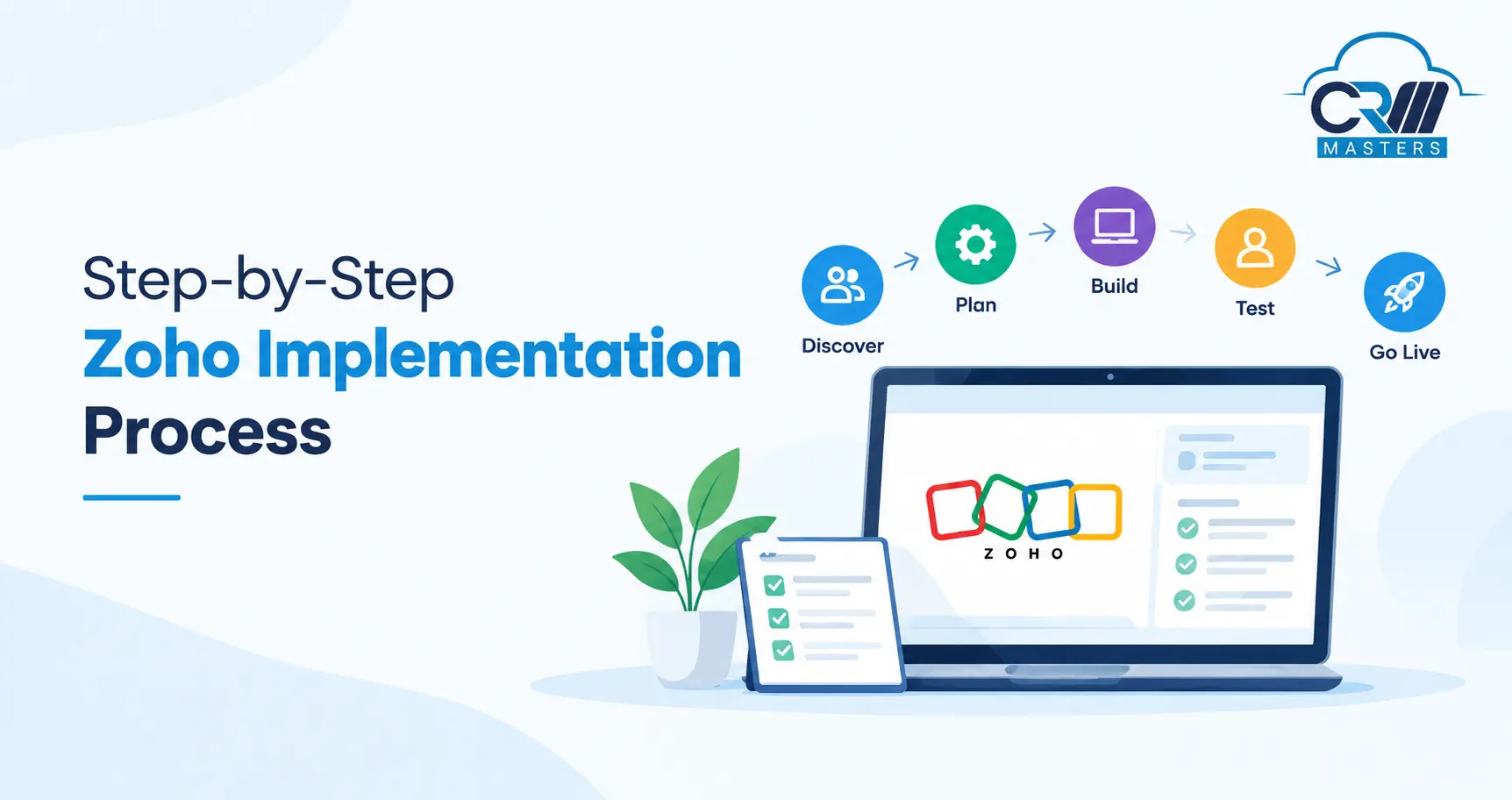
Zoho Implementation Process: Phases, Owners, Timeline, and Checklist
A Zoho implementation moves through seven phases: discovery, solution design, data preparation, configuration, integration and testing, training and go-live, and post-launch support. A single app setup for a small team takes about 2 to 4 weeks. A mid-size rollout across two or three apps takes 6 to 10 weeks, and a full Zoho One rollout takes 3 to 6 months. Projects succeed when the business has clear owners, clean data, and a team that takes part from day one. This guide explains each phase, who is responsible, how long it takes, and what to check before moving on.
Key Points
What Is a Zoho Implementation?
A Zoho implementation includes setting up Zoho apps so they fit how your business runs. It includes mapping your process, building the system, moving your data, connecting other tools, training your team, and giving support after launch.
It is not the same as buying a license. A license only gives you access to the software. It is also not the same as data migration. Migration only moves records from one system to another, and it is just one task inside an implementation. The steps are the same for Zoho CRM, Zoho One, Zoho Books, Zoho Desk, Zoho People, and other Zoho apps. Only the amount of work changes with the number of apps and users.
Is Your Business Ready for the Zoho Implementation?
A business is ready for a Zoho implementation when it has defined three things: the problem the system must solve, the person who will own the project, and the location of its current data. Gaps in any of these areas commonly lead to delays and rework during the project.
Use the following readiness criteria to assess your preparedness:
- Defined goals: Objectives are documented and measurable, for example, reducing lead response time to under one hour.
- Decision authority: A single owner can approve requirements and changes without lengthy review cycles.
- Documented process: Current workflows are understood and recorded, even if they are not yet efficient.
- Organized data: Business data is stored in a limited number of known systems, not in personal files or email inboxes.
- Team availability: Department leads can dedicate 2 to 4 hours per week to design reviews and testing.
What Are the Seven Phases of a Zoho Implementation?
Each phase ends with a deliverable that the next phase depends on. Some phases overlap. Data preparation, for example, often starts while configuration is underway.
Phase 1: Discovery
Discovery is the first phase of a Zoho implementation, and its purpose is to define what the system must do and why. The Zoho consultant meets with the sales, support, finance, and operations teams and maps the full customer journey, from the first inquiry to the final payment. The team also lists the tools currently in use and agrees on three to five measurable goals, such as faster lead response or less manual data entry. This phase usually takes about one week and ends with a requirements document that all stakeholders approve in writing. Skipping discovery is the most common reason teams build features that nobody uses.
Phase 2: Solution Design
Design turns requirements into a build plan. The consultant chooses the Zoho apps and edition, the custom modules and fields, the pipeline stages, and the user roles. You also decide which integrations are needed at launch and which can wait.
Review the blueprint with department leads before building starts. A change on paper costs far less than a change after configuration.
Phase 3: Data Preparation
Data preparation is where many projects slow down. A well-built system still performs poorly if it starts with messy records. Teams with large or complex data often use dedicated Zoho migration services, while smaller teams can handle it with care.
Start by deciding what not to move. Sort records into three groups: active and accurate records move to Zoho, old records you may need for reference go into an archive file, and duplicates and errors are removed.
Then standardize the details. Use one format for phone numbers and dates, one spelling for countries and states, and one list of values for fields like lead source. Zoho picklists need exact matches, so “Website” and “web site” count as two different sources.
Always keep an untouched copy of the original files. Run a test import of 50 to 100 records first, fix the errors, and only then run the full import. Afterward, compare record counts with the source and spot-check 20 to 30 records by hand.
Phase 4: Configuration
Configuration is the build stage. Everything is set up in a sandbox first, so live work is not affected. This includes modules, fields, layouts, pipelines, workflows, email templates, roles, reports, and dashboards. A few choices shape how the system performs for years:
- Roles and profiles: In Zoho CRM, roles decide which records a person can see, and profiles decide what actions they can take. Mixing them up is a common setup error.
- Simple automation first: Start with lead assignment and follow-up tasks. Add more once users are comfortable.
- Short forms: Every extra mandatory field lowers data quality, because people type anything just to move on.
- Documentation: Record every Deluge script and integration, so the system can be maintained later.
Phase 5: Integration and Testing
This phase connects Zoho to the tools your team already uses, such as email, telephony, WhatsApp, accounting software, and website forms. Complex connections are often handled through Zoho integration services, while simple ones can use built in options.
Testing has four parts:
- Functional: Do workflows trigger correctly?
- Data: Did records land in the right fields?
- Permissions: Does each role see only what it should?
- User acceptance: Can real users finish their daily tasks without help?
Phase 6: Training and Go Live
Training works best when it is role based. A sales rep needs different guidance than an accountant, and a manager needs to learn dashboards more than data entry.
On go live day, the team freezes changes in the old system, runs the final import, switches integrations to live mode, and gives users access. The consultant stays available during the first week. Many teams launch midweek instead of Friday, so problems can be fixed before the weekend.
Phase 7: Post Launch Support
Go live is not the finish line. It is the point where real feedback starts. In the first week, focus on stability: answer questions quickly and fix urgent bugs. In the first 30 days, focus on adoption by checking who is not using the system and holding short refresher sessions. By day 60, remove unused fields and adjust workflows that fire too often or not at all. By day 90, compare results against your original goals and plan the next phase.
The simplest way to improve adoption is for managers to run weekly meetings from Zoho dashboards instead of spreadsheets. When leaders use the system, the team follows.
What Factors Affect Zoho Implementation Cost?
Zoho licenses and implementation services are priced separately. The license is the subscription fee paid to Zoho. Implementation is the consultant’s work to plan, build, test, and launch the system. The following six factors decide the implementation cost.
1. Number of Zoho apps
Each app needs its own design, setup, and testing. A Zoho CRM only project costs far less than a Zoho One rollout, because the apps must also share data and work together. The more apps in scope, the more consultant hours the project needs.
2. Number of users
More users mean more user roles, access rules, and training sessions. A team of 10 can often be trained in one session, while a team of 100 across several departments needs separate role-based training. This adds both time and cost.
3. Data volume and quality
Moving 5,000 clean records is a quick task. Moving hundreds of thousands of records with duplicates, missing fields, and mixed formats takes much longer. Cleanup, field mapping, test imports, and validation checks all take time, so messy data raises the cost.
4. Custom development
Standard Zoho features cover many needs, but some businesses need custom modules, Deluge scripts, client portals, or approval flows. Custom work is built from scratch and tested separately, so it costs more than a standard configuration.
5. Number of integrations
Each connected tool, such as accounting software, WhatsApp, a phone system, or a website form, needs its own setup and testing. Two-way data sync between systems takes more effort than a simple one-way connection.
6. Training and support
Role-based training, written guides, and extended post-launch support add to the total. They are worth the cost, because low user adoption is one of the main reasons implementations fail.
What Is the Zoho Implementation Checklist?
Use this checklist to confirm that each step is complete before moving to the next one.
1. Write down your goals: Set clear, measurable goals, such as replying to every lead within one hour. These goals guide every decision in the project.
2. Name your project owner: Choose one person who can approve decisions quickly. Projects slow down when nobody has the authority to say yes.
3. Document your current process: Record how work moves through your team today, from the first inquiry to the final payment. The system should be built around this flow.
4. Approve requirements in writing: Get sign-off from every department lead on what the system must do. This keeps later changes controlled and prevents budget surprises.
5. Decide your apps, roles, and integrations: List the Zoho apps, user roles, and connected tools you need at launch. Anything else can wait for a later phase.
6. Clean your data: Remove duplicate and outdated records, and match each column in your old files to the correct Zoho field. Clean data is the base of a reliable system.
7. Run a test import: Import 50 to 100 records first and check the result. Fix any errors before moving the full data set.
8. Build and test in the sandbox: Create workflows, reports, and email templates in the sandbox, which is a test copy of your Zoho account. Check that every workflow runs correctly and that each user sees only the data they should.
9. Train your team by role: Ask a few real users to complete their daily tasks in the system, then train each team according to its role. This is the best protection against low adoption.
10. Review after go-live: At 30 days, check who is using the system, compare Zoho reports with numbers you already trust, and rank new feature requests by business value.
What Mistakes Cause Zoho Implementations to Fail?
Most failures come from a short list of avoidable mistakes. Teams skip discovery and build from assumptions. They import unclean data. They automate too much before users learn the basics. They give everyone admin access. They train people once, right before launch, and treat go live as the end of the project. Often, no one is named to make final decisions. Following the phases in order, and naming owners early, prevents almost all of these problems.
What Does a Real Zoho Implementation Look Like?
Awfis, a coworking company, had lead, broker, and invoicing data scattered across more than 200 centres. CRM Masters built a custom Zoho CRM with automated centre assignment and invoicing, and migrated 1.8 million records. Data migration was the largest part of the work, which is why the data preparation steps above matter so much.
Read the full Awfis case study for the details.
Should You Implement Zoho In-House or With a Zoho Partner?
Both can work. A small team with one app and simple fields can often manage on its own, and it costs less upfront. The trade-off is a slower start and a higher risk of rework.
A Zoho implementation partner makes more sense when several apps must work together, when you need custom modules, or when you cannot afford trial and error. Many companies choose a middle path: the partner designs and builds the system, and the internal team manages daily administration after launch.
To compare providers, read our guides on what a Zoho partner is and the top Zoho partners in India.
How Does CRM Masters Run a Zoho Implementation?
CRM Masters follows the phases above with one named project manager from day one to go live, so clients deal with a single point of contact. Each step ends with a written deliverable, such as a requirement summary, a solution roadmap, a migration report, and a trained team. Delivery is agile, so clients see working updates during the project instead of waiting for a final handover. Migration includes validation checks at every stage, training is role-based, and 24×7 support continues after launch. CRM Masters is a Zoho Premium Partner since 2016, with 60+ Zoho-certified consultants, 2,400+ Zoho projects across 15+ industries, and ISO 9001 and ISO 27001 certifications. You can verify partner status in the official Zoho Partner Directory.


FAQ
Q1. What are the phases of Zoho implementation?
Ans. The seven phases are discovery, solution design, data preparation, configuration, integration and testing, training and go live, and post launch support.
Q2. How long does a Zoho implementation take?
Ans. A single app setup for a small team takes 2 to 4 weeks. Two to three apps with integrations take 6 to 10 weeks, and a full Zoho One rollout takes 3 to 6 months.
Q3. Who is responsible for a Zoho implementation?
Ans. The sponsor approves direction, the project manager runs the schedule, the Zoho consultant builds the system, and department leads and the data owner provide process knowledge and clean data.
Q4. Should we migrate all our old data into Zoho?
Ans. No. Move active and accurate records, archive old records you may need for reference, and delete duplicates and errors. A smaller, cleaner database works better than a large messy one.
Q5. What is a Zoho sandbox?
Ans. A sandbox is a test copy of your Zoho system. It lets you build and check changes without affecting live data. Availability depends on your Zoho edition.
Q6. What is the difference between a Zoho partner and a Zoho consultant?
Ans. A Zoho partner is a company recognized by Zoho and ranked by tier, such as Authorized, Advanced, or Premium. A consultant is an individual who gives Zoho advice or setup help. Read our guide on Zoho partner vs Zoho consultant for the full comparison.








