



CRM for
Professional Services
Every client, proposal, hour, and invoice in one system, from the first enquiry to the final payment. CRM Masters is a certified partner across multiple leading CRM platforms, setting up CRM for firms that sell expertise and time.
End-to-End Engagement
Manage enquiries, proposals, projects, time, and invoices seamlessly.
Built for Expertise-Led Businesses
A CRM setup tailored to service firms such as consulting, legal, accounting, architecture, and IT services.
Certified Partner for
Leading CRM Platforms


What is CRM For
Professional Services?
CRM for professional services is built for firms that sell expertise and billable time, not products. It follows the full client lifecycle: enquiry, proposal, scope of work, signed engagement, delivery, billing, and renewal.
Proposals, engagement letters, tasks, hours, and invoices sit on one client record, so the partner who won the account, the team delivering the work, and the finance team all see the same picture.
Client
Lifecycle
Proposals &
Engagements
Tasks &
Billable Hours
Invoicing &
Payments
Renewals &
Ongoing Clients
Certified Partner for
Leading CRM Platforms
Work
Engagement
One CRM for Every Professional Services Firm
Drive client growth, improve delivery, and run your firm more efficiently with a CRM built for professional services.
Accounting, Tax & Audit Firms
Manage clients, engagements, compliance, and billing in one place, so your team can deliver more value with less admin.
Consulting Firms
Turn opportunities into long-term client relationships, manage projects and resources, and keep delivery and revenue on track.
Legal Firms
Manage matters, clients, contracts, and renewals with complete visibility, so your firm can work more efficiently and stay client-focused.
Staffing & Recruitment Firms
Track clients, jobs, candidates, and placements in one CRM, automate follow-ups, and build long-term client and talent relationships.
A Complete Client Workflow on One CRM
Manage the full client lifecycle in a single, connected system, from the first enquiry to long-term renewal.
-
Enquiry
Capture and track new opportunities.
-
Proposal
Create and share winning proposals.
-
Scope of Work
Define deliverables, timelines, and resources.
-
Signed Engagement
Turn proposals into confirmed engagements.
-
Delivery
Manage tasks, track hours, and keep work on track.
-
Billing
Generate invoices from time and work completed.
-
Renewal
Maintain client relationships and win repeat business.
Where Professional Services Firms Lose Time and Revenue
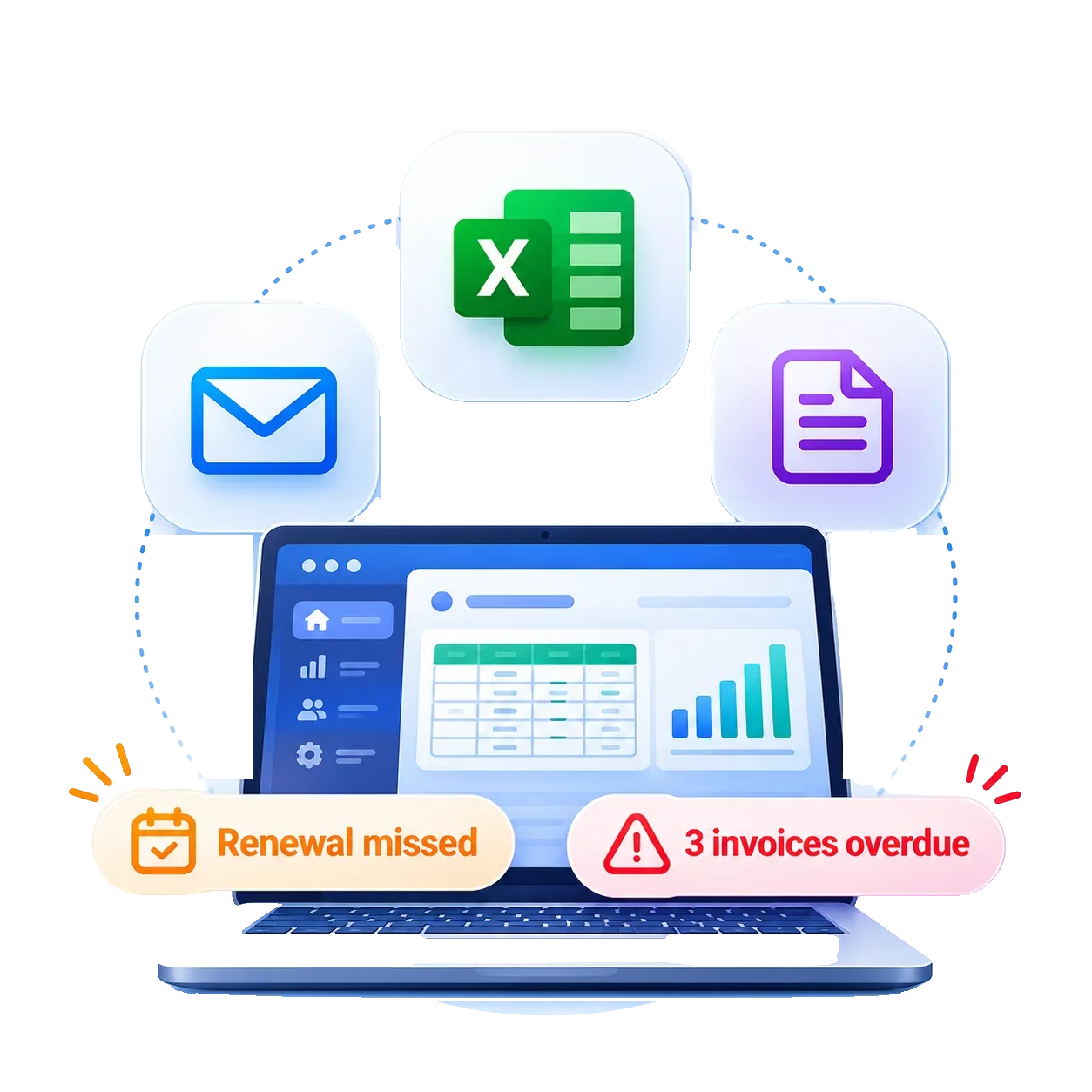
When client work runs on inboxes, spreadsheets, and memory, small gaps add up. Here's what firms deal with every week.
Leaking Billable Hours
Time spent on client work gets logged late or not at all. By invoice day, hours are estimated from memory, and part of the work quietly goes unbilled.
Work Beyond Scope
Clients ask for a little extra, and the team says yes without updating the engagement letter. The fee stays the same while the effort keeps growing, month after month.
Business Manager Dependency
Client history sits with whoever won the account. When that partner is travelling or leaves the firm, the team can't pick up the conversation without starting from scratch.
Unclear Team Workload
Nobody has a clear view of who is working on what. Some team members are overloaded while others have gaps, and staffing decisions turn into guesswork instead of planning.
Late Payments
Invoices wait for approval, and overdue payments get chased only when someone remembers. Receivables age, cash flow tightens, and the firm ends up funding its own clients.
Missed Renewals
Annual engagements and retainers end quietly, because nobody tracked the renewal date or checked in before it arrived. The client drifts away without a conversation.
What Gets Automated for Professional Services Firms
Every engagement follows the same path, from first enquiry to final invoice. Here's what a CRM handles on its own along the way, so billable time goes to client work instead of admin.
Lead Management
Enquiries from your website, referrals, emails, and calls land in one place and are assigned to the right partner or consultant automatically.
Lead Nurturing & Drip Marketing
Prospects who aren't ready yet receive timed emails, updates, and useful articles, so your firm stays on their mind until the time is right to engage.
Pipeline Management
Every proposal moves through clear stages, from first meeting to signed engagement, so partners see what's pending, who owns it, and what revenue to expect.
Proposal Generation
Proposals and fee quotes are built from templates using the client's details and scope, so they go out the same day instead of after a week of formatting.
Client Onboarding
Once a client says yes, KYC forms, document requests, and kickoff tasks go out automatically, so work starts in days instead of weeks.
Contract Management
Engagement letters, scope of work, and renewal dates are stored against each client, with alerts before a contract expires or needs revising.
Agreement Signing
Agreements go out for e-signature from templates, unsigned parties get reminders, and the signed copy files itself to the client record.
Case Management
Each client matter or engagement has its own record with tasks, deadlines, documents, and notes, so anyone can pick up where a colleague left off.
Project Initiation
Once an engagement is signed, the project is created in your project management tool with tasks, team members, and timelines from a template.
Time Logging
Hours are logged against each client and task as the work happens, so billable time is captured and nothing is estimated from memory on invoice day.
Auto Invoicing
Invoices are generated from logged hours or agreed milestones and sent on schedule, with reminders going out for overdue payments.
Accounting Setup
New clients and invoices sync to your accounting software, so customer records, taxes, and payments are set up once instead of entered twice.
Best CRM for Professional Services
CRM Masters implements professional services CRM solutions on leading platforms.
Zoho CRM for
Professional Services
Built to Run Every Engagement End to End
Zoho CRM connects proposals, contracts, projects, time logs, and billing in one flow, so a growing firm can run lean without juggling extra tools.
- Lead to project, one flow
- Hours tracked, invoices automated
- Agreements signed inside the CRM
- Projects and accounting connected
- Flexible setup for growing firms
Salesforce CRM for
Professional Services
Enterprise-Grade CRM for Growing Firms
Salesforce brings client data, pipeline, and delivery teams onto one platform, built for firms with multiple practices, offices, and larger client portfolios.
- Every client, one connected view
- AI-backed pipeline and forecasts
- Built for multi-practice firms
- Team workload visible at a glance
- Scales across offices and teams
Ready to Take the Next Step With the Right CRM for Professional Services?
Talk to our team and see how it fits your practice.
Frequently Asked Questions
Answers to common questions about CRM for professional services firms.
01What is a CRM for professional services?
A CRM for professional services helps firms manage client relationships, enquiries, engagements, tasks, communication, billing, and follow-ups in one system. It gives teams a complete view of each client and the work being handled for them.
02How can CRM help professional services firms manage clients?
A CRM keeps client information, communication history, documents, tasks, and service details connected. Teams can quickly see what has been discussed, what work is pending, and what needs attention next.
03Can a CRM automate tasks and follow-ups?
Yes. CRM workflows can automate routine tasks such as follow-up reminders, appointment scheduling, document requests, status updates, task assignments, and notifications. This reduces manual work and helps teams stay on top of deadlines.
04Can CRM handle billing and recurring payments?
Yes. A CRM can track service fees, retainers, recurring invoices, instalments, and payment status. It can also trigger reminders for upcoming or overdue payments and connect with accounting or invoicing systems where required.
05Can a CRM be customised for my firm's processes?
Yes. A CRM can be configured around your firm's own processes, whatever services you offer. Custom fields, pipelines, workflows, dashboards, forms, and integrations can be added based on your business requirements.
06Which CRM platforms can professional services firms use?
Professional services firms can use platforms such as Zoho CRM and Salesforce, depending on their requirements, team size, workflows, integrations, and reporting needs. The CRM can then be configured around the firm's specific client and service processes.
Related Blogs
Guides and comparisons to help your firm choose and get more from the right CRM.
Top 10 Best CRM for Law Firms in 2026
A side-by-side look at the leading CRMs for law firms, from intake and matter tracking to client communication.
Read Article
Best CRM for Financial Advisors in 2026
The CRMs that help financial advisors manage client relationships, compliance, and follow-ups in one place.
Read Article
What is Law CRM & Why Legal Firms Need It?
How a CRM built for law firms keeps cases, appointments, client data, and deadlines organized for small and mid-sized firms.
Read Article
CRM for Consultants: Boost Your Client Flow
How consultants use a CRM to win more engagements, stay on top of follow-ups, and keep a steady pipeline of clients.
Read ArticleRelated Case Study
See how a professional services firm replaced manual work and scattered data with one connected CRM.
Case Study of a Staffing & Recruiting Agency in Fort Worth, Texas
A B2B and B2C staffing agency with over a decade of placements across industries needed to streamline its operations and speed up recruiting.
The Challenge
- Manual scheduling, conflicts, and candidate drop-offs
- Weak candidate engagement
- Data spread across systems and spreadsheets
- Slow hiring with little automation
The Solution
- Zoho Recruit to centralize candidates and automate stages
- Calendar booking integration for interviews
- SMS Magic for personalized candidate messages
- Automated reminders to cut no-shows