




Top 10 Best CRM for Law Firms in 2026
Finding the best CRM for Law Firms is not just about choosing the most popular software. The right system should help you manage client intake, improve communications, track matters, and reduce manual work without creating extra complexity for your team.
Grand View Research projects the global CRM market will reach $163 billion by 2030, growing at a 14.6% CAGR. Law firms that invest in the right platform today are not just getting organized. They are building a real competitive advantage.
This blog covers the top 10 best CRM for law firms in 2026. For each tool, we break down the key features, pricing, and who it is actually the right fit for, including options built specifically as client intake and CRM software for law firms of every size, from solo practices to large multi-attorney teams.
Why Trust Our Recommendations?
At CRM Masters, we have been helping businesses implement and customize CRM systems since 2016.
As a CRM Consultant & Development Company, our team has delivered
4,000+ CRM projects for businesses across multiple industries.
Over the years, we have worked with businesses evaluating CRM platforms for different use cases,
from lead management and client onboarding to workflow automation and reporting.
One thing we consistently see is that the best CRM is rarely the one with the longest feature list.
It is the one that fits the way a team actually works and can be adopted successfully across the organization.
What We Commonly See During CRM Evaluations
When businesses approach us for CRM consulting, the challenge is rarely a lack of options. More often, it is choosing between platforms that appear similar but serve very different business needs.
Based on our experience evaluating and implementing CRM solutions, firms typically prioritize:
- Customization and scalability
- Client intake and lead management
- Workflow automation
- Reporting and analytics
- Integration with existing tools
- Ease of adoption for teams
We also see some common mistakes during the selection process:
- Choosing software based only on price
- Focusing on features instead of business requirements
- Ignoring user adoption and training needs
- Underestimating future growth and scalability
- Overlooking integration requirements
The firms that achieve the best results are usually the ones that define their processes and long-term goals before comparing CRM platforms.
Top 10 Best CRM for Law Firms
| Tool | Best For | Starting price* | Legal Specification | AI Features |
| Zoho CRM | Firms wanting full ecosystem flexibility | Free/ $14/user/month | Customizable with law firm vertical modules, including matter tracking, contract generation, and e-signatures via Zoho Sign | Yes (Zoho Zia) |
| Clio Grow | Legal-specific intake and pipeline management | $59/user/month | Purpose-built for law firms with native matter management, conflict checks, court calendar sync, and direct integration with Clio Manage | Yes |
| Lawmatics | High-volume intake and marketing automation | Custom pricing | Built exclusively for law firms with legal-specific intake workflows, e-signatures, referral tracking, and compliance-ready client communication tools | Yes |
| HubSpot CRM | Solo and small firms on a tight budget | $20/user/month | Configurable for basic legal workflows. Works well for lead capture and follow-up, but requires setup for matter tracking and has no built-in conflict checks or trust accounting | Yes |
| MyCase | Small firms needing an all-in-one solution | $39/user/month | Purpose-built for law firms with matter management, trust accounting, document automation, a secure client portal, and built-in billing | Yes |
| PracticePanther | Solo attorneys and small firms needing fast onboarding | $59/user/month | Purpose-built for law firms with case management, automated billing, time tracking, document workflows, conflict checks, and client communication tools | Yes |
| Salesforce | Large and enterprise-level law firms | $25/user/month | Configurable via AppExchange legal add-ons including Litify and Legal Cloud for matter management, case tracking, and compliance reporting | Yes |
| Law Ruler | Personal injury and high-volume lead intake | Custom pricing | Built specifically for law firms with legal intake forms, lead scoring, call tracking, settlement calculator, source attribution, and case management integration | Yes |
| Smokeball | Small firms wanting automatic time capture | $49/user/month | Purpose-built for law firms with automatic time tracking, matter management, document automation, built-in court forms, and conflict checks | Yes |
| CosmoLex | Firms wanting CRM plus built-in legal accounting | Custom pricing | Purpose-built for law firms, combining matter management, trust and business accounting, billing, document management, and compliance tracking in one platform | Yes |
Let’s understand these CRM for law firms in brief:
1. Zoho CRM: Best Customizable CRM for Law Firms
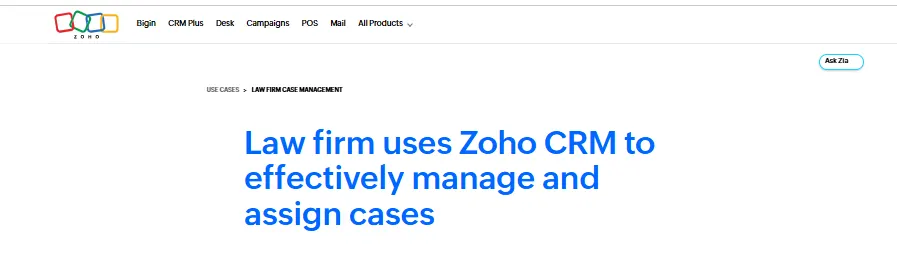
Based on our CRM implementation experience working in this industry for over 10 years, Zoho CRM stands out because it can adapt to different business processes instead of forcing firms to follow a fixed structure.
While some legal-specific CRMs provide these features out of the box, Zoho CRM gives firms much more flexibility as they grow, their requirements become more complex, and allows you to have a full legal workflow running inside one connected ecosystem.
Key features:
- Highly customizable data structure
- Complete Zoho business ecosystem
- Low-code automation with Zoho Creator
- AI assistant Zia
- 250+ integrations
Best for: Law firms already in the Zoho ecosystem or firms that want deep customization without paying legal-specific CRM prices.
Honest take: The setup takes effort, but firms that invest in getting it right end up with a system that fits their workflow exactly. A Zoho Implementation Partner can handle the implementation and cut that curve significantly.
Also Read: How Zoho Sign and Zoho Desk Help You Cut Customer Service Paperwork
2. Clio Grow: Best Legal-Specific CRM for Client Intake
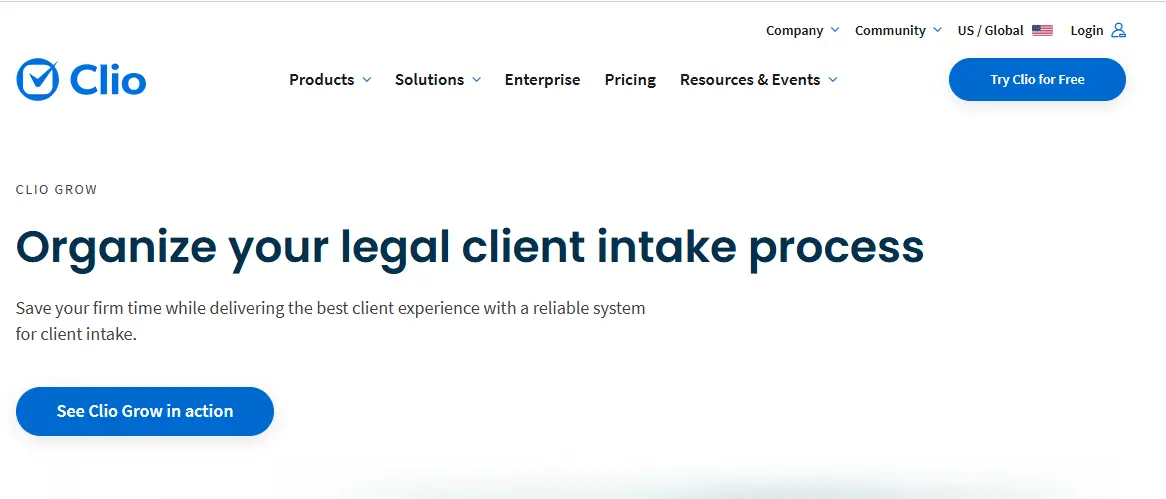
Clio is the most recognized name in client intake software for small law firms, and Clio Grow is its dedicated CRM arm. It picks up the moment a potential client fills out a contact form on your website and manages everything through to a signed engagement letter.
Key features:
- Legal-specific intake workflows
- Built-in consultation booking
- Court-focused lead tracking
- Seamless Clio Manage integration
Best for: Small to mid-sized firms already using or planning to use Clio Manage for practice management.
Honest take: If you are not using Clio Manage, the value of Clio Grow drops significantly. The integration between the two products is the real selling point and where the biggest efficiency gains come from.
3. Lawmatics: Best for Legal Intake Automation
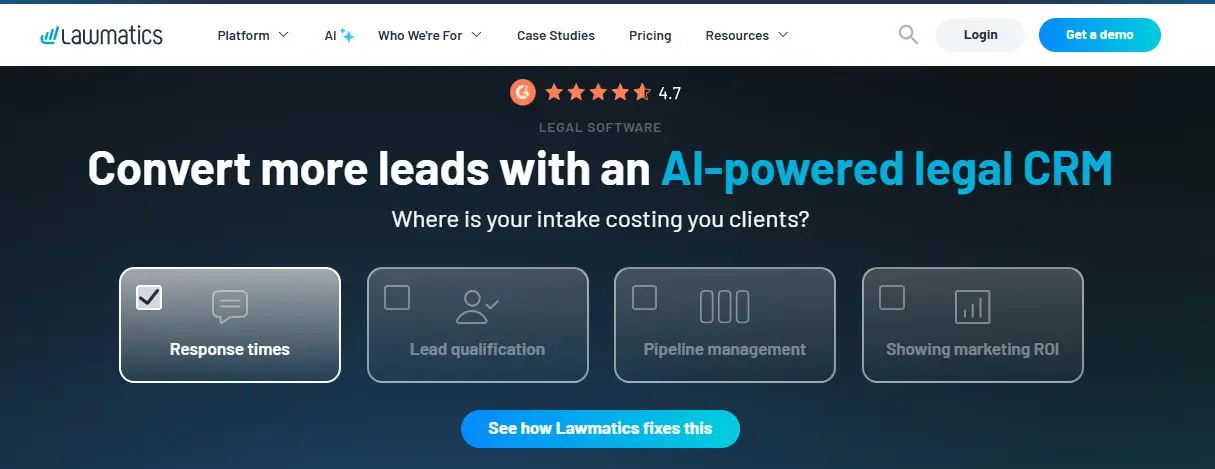
Lawmatics is an AI-powered legal CRM & built exclusively for law firms. It is one of the few legal CRM platforms that tracks where every client came from and what communication converted them, giving firms real data on which marketing channels are delivering cases.
Key features:
- Advanced marketing automation
- Client journey automation
- Personalized intake experiences
- No-code workflow builder
Best for: Firms with consistent lead volume that need to manage and convert inquiries efficiently.
Honest take: Powerful but rewards firms that invest time in setting up their automation properly. Solo practitioners or very small firms may find that the setup effort outweighs the benefit at their current stage.
4. HubSpot CRM: Best Free Starting Point for Small Law Firms

Not every small firm is ready to invest in a full legal CRM from day one. HubSpot’s free plan gives solo practitioners and small firms a solid starting point for managing leads, tracking follow-ups, and staying organized without any upfront cost.
Key features:
- Free CRM with generous limits
- Native marketing hub integration
- Conversation intelligence tools
- Easy adoption for small firms
- 500+ integrations available
Best for: Solo lawyers and very small firms that want a no-cost starting point before investing in a purpose-built legal CRM.
Honest take: A good starting point but not a long-term solution. As your firm grows, you will need matter tracking, conflict checks, and trust accounting that HubSpot simply does not offer.
5. MyCase: Best All-in-One for Small Law Firms
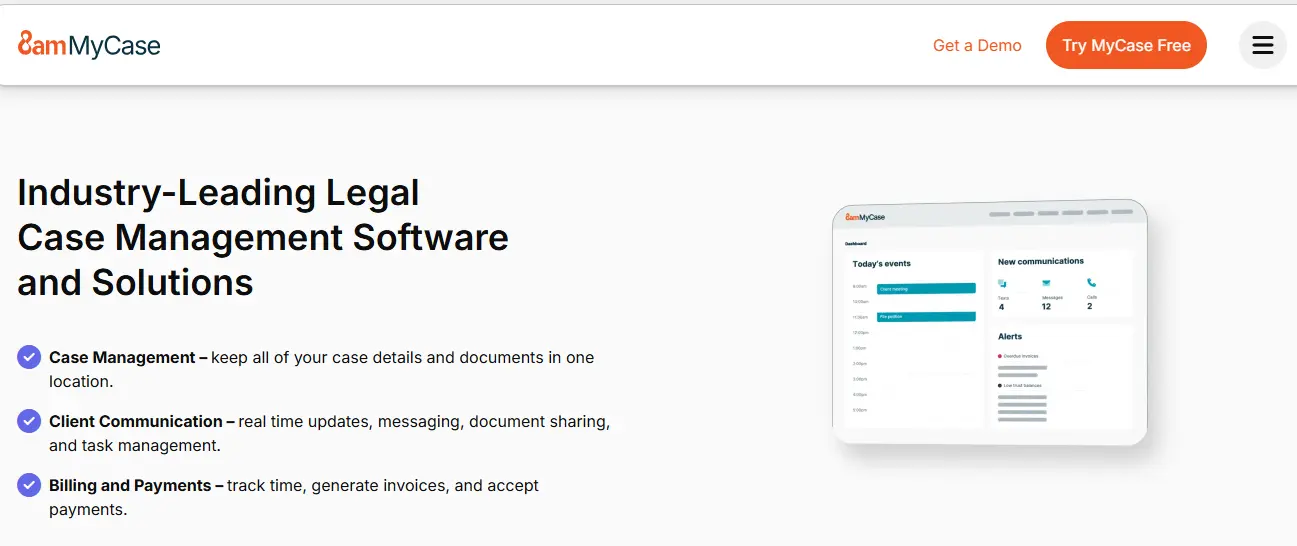
MyCase combines client intake, case management, billing, and client communication in one platform at a price point that works for small firms. No need to stitch together multiple software subscriptions to cover the full client lifecycle.
Key features:
- Integrated legal accounting
- Client text messaging
- Built-in payment collection
- Practice management in one platform
Best for: Small firms of 2 to 10 attorneys looking for an affordable all-in-one platform covering intake through billing.
Honest take: Not the most feature-rich CRM on this list, but one of the most practical for small firms. The straightforward interface means teams actually adopt and use it consistently.
6. PracticePanther: Best for Fast Onboarding and Billing Automation
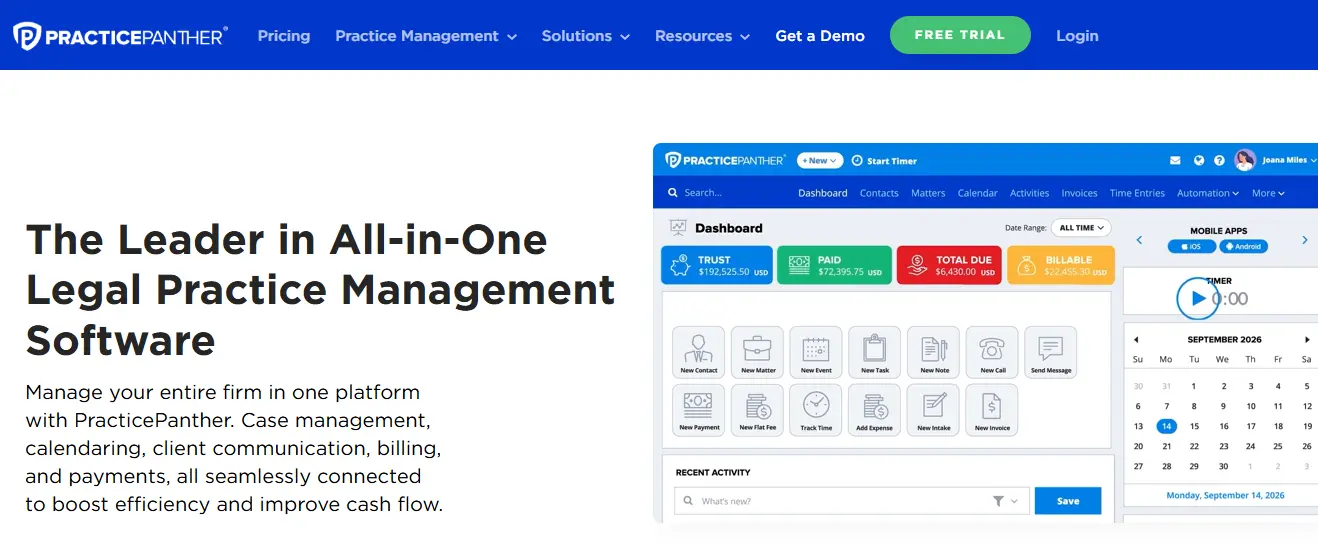
PracticePanther is purpose-built for law firms and consistently rated as one of the easiest legal platforms to get up and running. It covers the full workflow from first client contact through to final invoice without the complexity that slows down adoption on heavier platforms.
Key features:
- Native trust accounting support
- QuickBooks integration
- Automated billing workflows
- Expense tracking on mobile
Best for: Solo lawyers and small to mid-sized firms that want a purpose-built legal CRM with fast onboarding and strong billing automation.
Honest take: One of the most well-rounded options for firms that want legal-specific features without a long implementation timeline.
7. Salesforce: Best for Large and Enterprise Law Firms
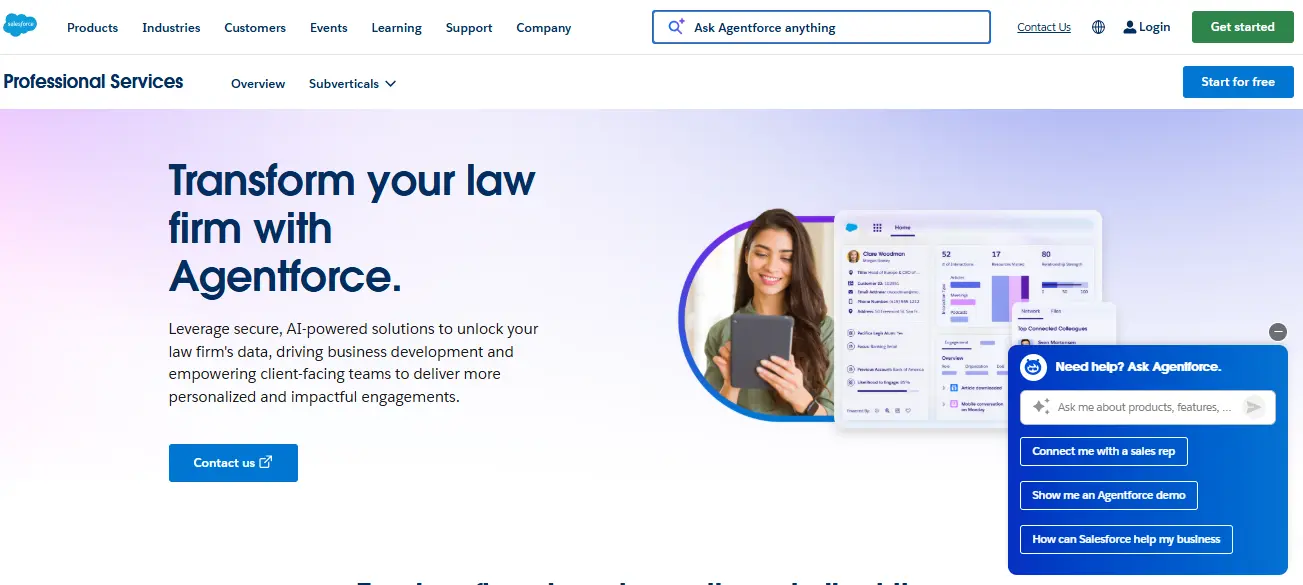
Salesforce is the most powerful CRM on this list and the most complex. Large law firms with dedicated IT resources use it because it can be configured to handle virtually any workflow, reporting requirement, or integration need at scale.
Key features:
- Enterprise-level customization
- AppExchange marketplace access
- Einstein AI capabilities
- Complex multi-team workflows
Best for: Mid-size to large firms with 50 or more attorneys and a dedicated team to manage the platform.
Honest take: Powerful but expensive and complex. Smaller firms will find the investment hard to justify. It earns its place on large firm shortlists but is not the right starting point for most legal practices.
8. Law Ruler: Best for Lead Scoring and High-Volume Intake
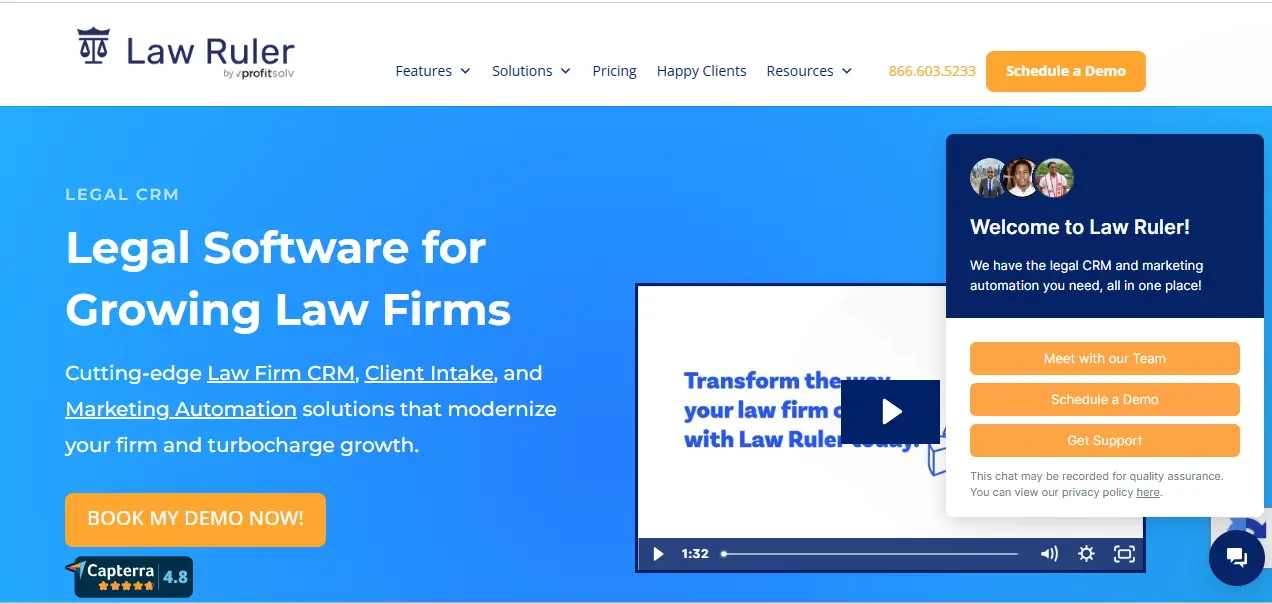
Law Ruler is built specifically for law firms with one goal: to help firms capture more cases from their existing lead volume. It is particularly well-suited to personal injury and high-volume practice areas where fast intake and lead prioritization directly impact revenue.
Key features:
- Custom lead scoring and intake automation
- Built-in SMS and email marketing
- Settlement value calculator
- Marketing source attribution tracking
Best for: Personal injury, mass tort, and high-volume practice areas where fast lead-to-intake conversion is critical.
Honest take: Niche but very good at what it does. If your firm spends heavily on marketing and needs tight attribution data alongside a fast intake workflow, it is worth a serious look.
9. Smokeball: Best for Automatic Time Tracking
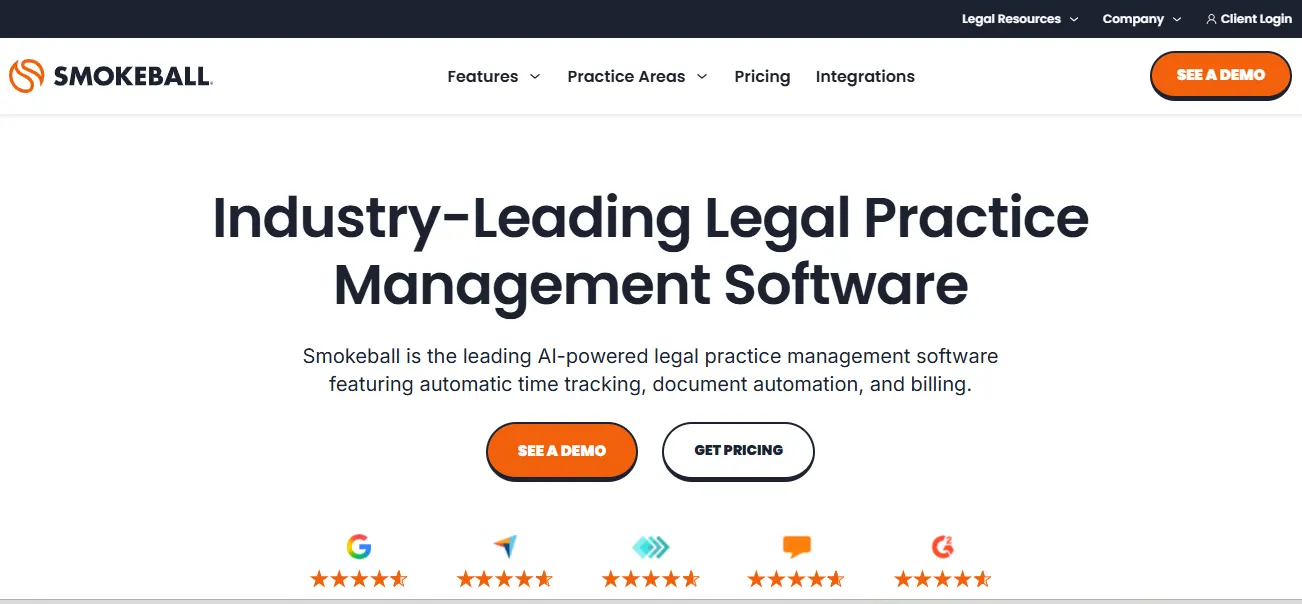
Smokeball solves one of the most persistent problems in legal billing: attorneys forgetting to record their time. Its AI-powered automatic time capture logs activity in the background without manual timers, meaning billable hours are never missed.
Key features:
- Automatic time capture
- Legal document automation
- Built-in court forms library
- Activity-based productivity insights
Best for: Small firms where unbilled time is a persistent problem and billing accuracy is a top priority.
Honest take: The automatic time capture is genuinely one of the most useful features in this category for firms that bill by the hour. Worth noting it is PC-based with limited Mac compatibility, so check that before committing.
10. CosmoLex: Best for Built-In Legal Accounting
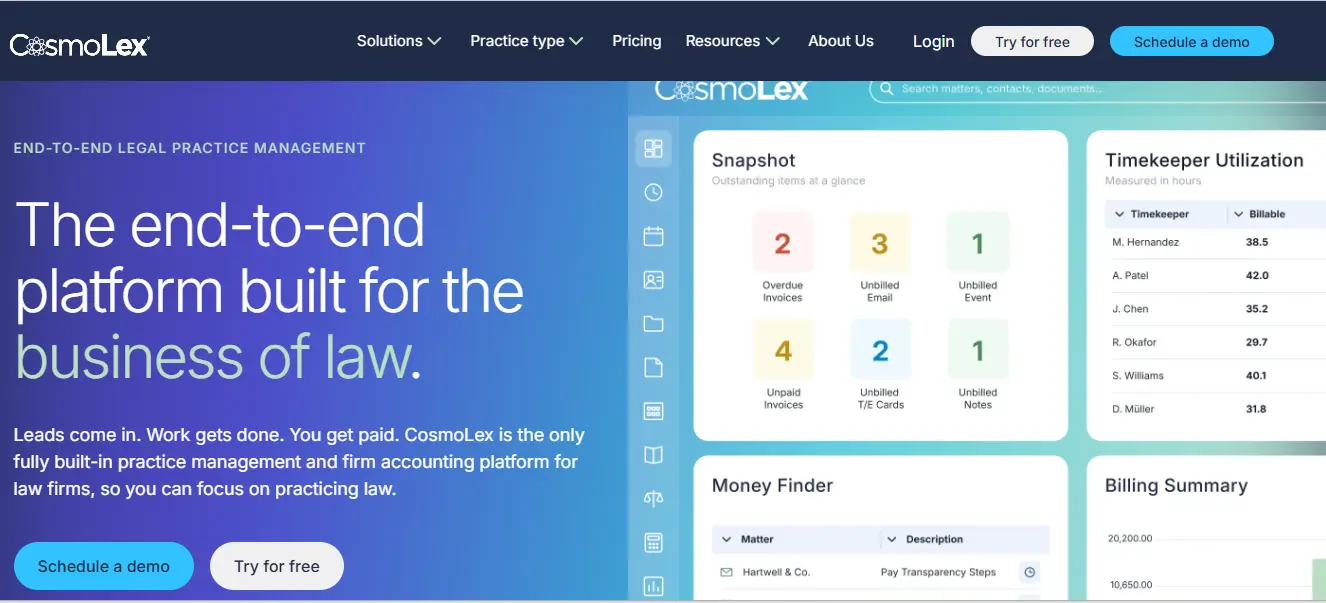
CosmoLex stands apart from every other tool on this list because it does not require a separate accounting software subscription. Trust accounting, business accounting, billing, and matter management all live inside one platform, removing the compliance risk that comes from running legal accounting through a general tool like QuickBooks.
Key features:
- Built-in trust accounting
- Legal and business accounting in one system
- Compliance-ready audit trails
- CRM, billing, and accounting are unified
Best for: Small to mid-sized firms that want to consolidate CRM, matter management, and legal accounting into one platform.
Honest take: The strongest option on this list for firms where legal accounting compliance is a top priority. Not the most advanced CRM, but the combination of matter management and built-in trust accounting in one platform is hard to match.
Key Features to Look for in a CRM for Law Firms
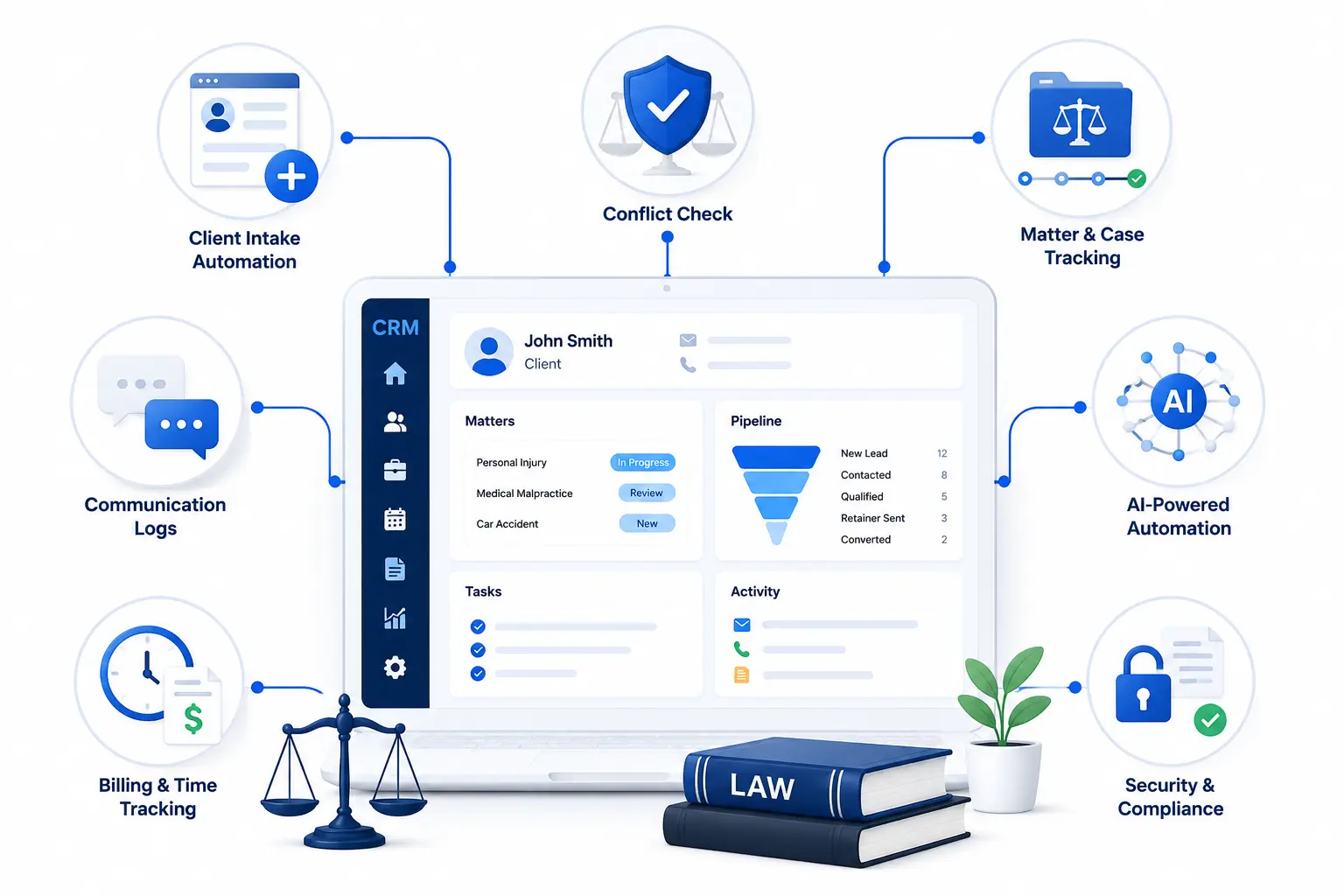
Not every CRM is built for the way legal teams work. A generic sales CRM tracks deals, and a good legal CRM tracks people, cases, deadlines, and relationships all at once.
Here is what the right client intake and CRM software for law firms should cover:
1. Client Intake Automation
Capture leads from your website, send instant follow-ups, and move new inquiries into your pipeline without manual data entry. Every missed follow-up is a missed case.
2. Matter and case tracking
Keep all case details, communications, and documents tied to a single client record so your whole team works from the same picture.
3. Conflict checks
Spot potential conflicts of interest before taking on a new client. This is a non-negotiable for any firm serious about compliance.
4. Communication logs
Every email, call, and message should be recorded against the client record automatically. No more digging through inboxes to find context.
5. AI-powered features
In 2026, lead scoring, smart follow-up reminders, and intake chatbots are standard in the best CRM platforms. These tools help firms respond faster and convert more leads.
6. Billing and time tracking integration
Your CRM should connect to your billing tools so billable time is captured from the moment a client is onboarded.
7. Data security and compliance
Role-based access, data encryption, and audit trails are not optional in legal. Client confidentiality depends on them.
How to Choose the Right CRM for Your Law Firm
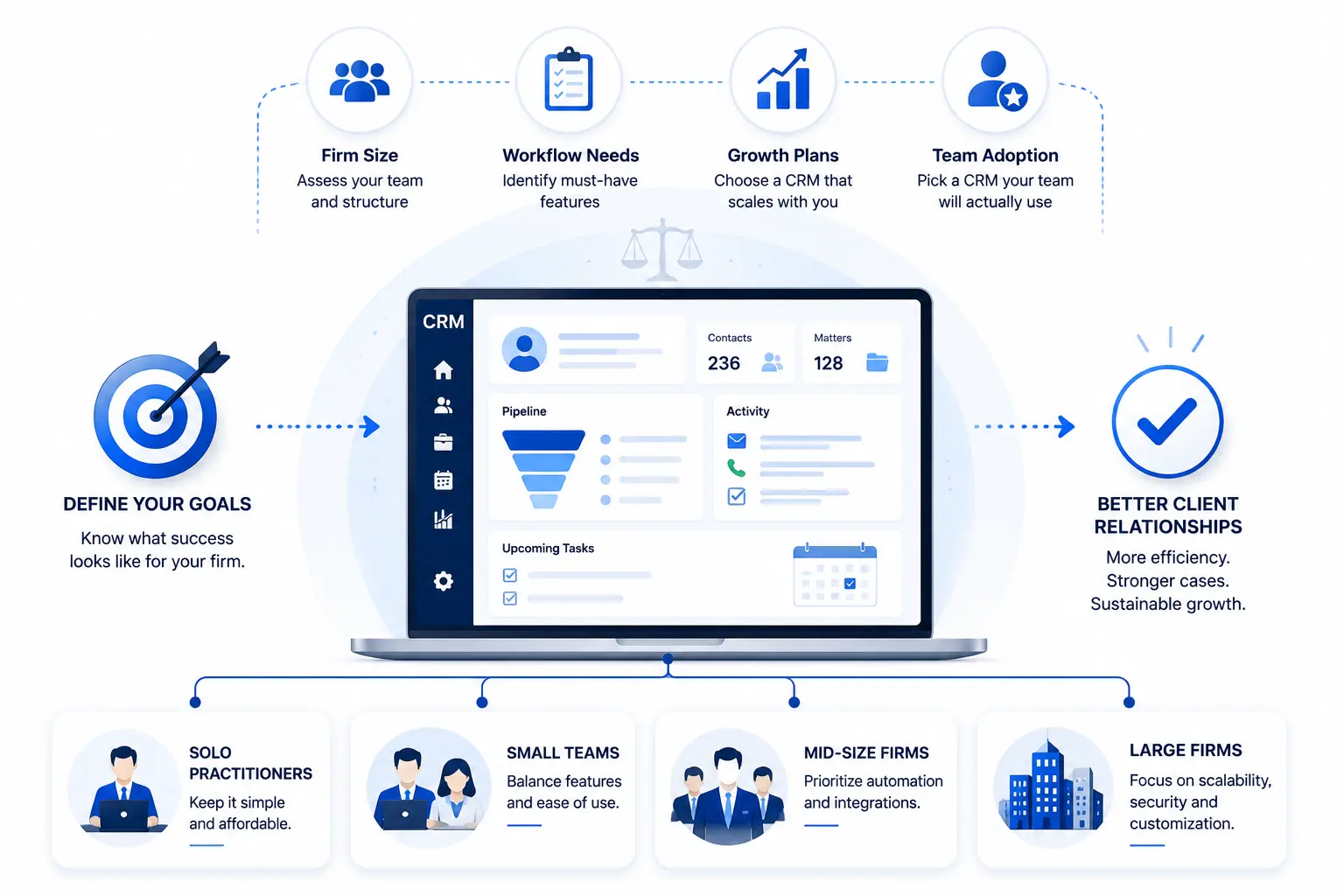
In our experience, firms usually outgrow their CRM because of workflow limitations rather than a lack of features. Choosing a platform that can adapt as your processes evolve often delivers better long-term value than selecting the cheapest option available today.
Here is a simple breakdown:
1. Solo practitioners: Start with Bigin by Zoho CRM or HubSpot’s free plan. Low cost, easy to set up, and gets you organized without a large upfront investment. Both scale as your practice grows.
2. Small firms (2 to 10 lawyers): MyCase, PracticePanther, or Clio Grow. All three are purpose-built for this segment, affordable, and cover intake through billing without requiring heavy technical setup.
3. Mid-size firms (10 to 50 lawyers): Zoho CRM with professional implementation, Clio Complete, or Lawmatics. At this size, you need stronger automation, better reporting, and a system that scales with your team and client volume.
4. Large and enterprise firms (50+ lawyers): Salesforce or a fully configured Zoho CRM. Both require dedicated implementation resources but deliver the customization, integrations, and analytics that large firms need to operate efficiently.
How We Evaluated These CRM Platforms
We have spent years helping businesses evaluate and implement CRM. Our goal is to help you understand the strengths and limitations of each option so you can make a more informed decision.
Some of the key areas we considered include:
- How well the platform handles legal intake and lead conversion.
- The level of customization available for different practice areas.
- Ease of adoption for attorneys and support staff.
- Automation capabilities for follow-ups and client communication.
- Integration options with legal and business software.
- Scalability for growing firms with increasing client volume.
- Overall value compared to the cost of ownership.
Ready to Get More From Your Law Firm CRM?
Selecting a CRM can be overwhelming when every platform claims to be the best option.
The reality is that the right CRM depends on your firm’s size, client intake process, reporting requirements, and long-term goals.
At CRM Masters, a trusted CRM Consulting Company, we help businesses evaluate CRM platforms, work on thousands of CRM projects, and we have seen that implementation decisions often have a greater impact on results than the software itself. The right setup, automation strategy, and user adoption plan can make the difference between a CRM that drives growth and one that becomes an unused system.
Talk to a CRM expert today and find out what a properly configured legal CRM can do for your practice.
Disclaimer
The pricing mentioned is based on publicly available information at the time of publishing. Prices may vary based on your firm’s size, chosen plan, and applicable taxes. We recommend consulting the respective CRM vendors directly for an accurate and up-to-date pricing quote.
FAQ
Q1. Can a CRM help with client retention?
Ans. Yes. A CRM tracks every client touchpoint, flags overdue follow-ups, and ensures no client goes without communication. Firms using CRM consistently report stronger relationships and higher referral rates.
Q2. Is Zoho CRM good for law firms?
Ans. Yes, with the right setup. Zoho CRM covers matter tracking, contract generation, e-signatures, and billing integration. A Zoho Implementation Partner like CRM Masters configures it specifically for legal workflows.
Q3. Can a CRM integrate with legal billing software?
Ans. Yes. Most legal CRMs integrate with LawPay, QuickBooks, and Zoho Books. Platforms like MyCase and CosmoLex have billing built in with no separate integration needed.
Q4. What is client intake software for law firms?
Ans. It automates capturing, qualifying, and onboarding new leads, replacing manual forms and email chains with workflows that move a prospect from first inquiry to signed engagement with minimal manual effort.
Q5. Do I need a consultant to set up a law firm CRM?
Ans. For platforms like Zoho CRM or Salesforce, yes. A certified CRM consultant ensures the system fits your firm’s workflows, reduces setup time, and avoids the configuration mistakes that hurt adoption.
Q6. What is the best CRM for law firms?
Ans. The best CRM for law firms depends on your firm’s size, budget, and operational needs. Based on our experience as a CRM consulting company, the most successful CRM implementations happen when firms choose a platform that aligns with their processes and growth plans.