



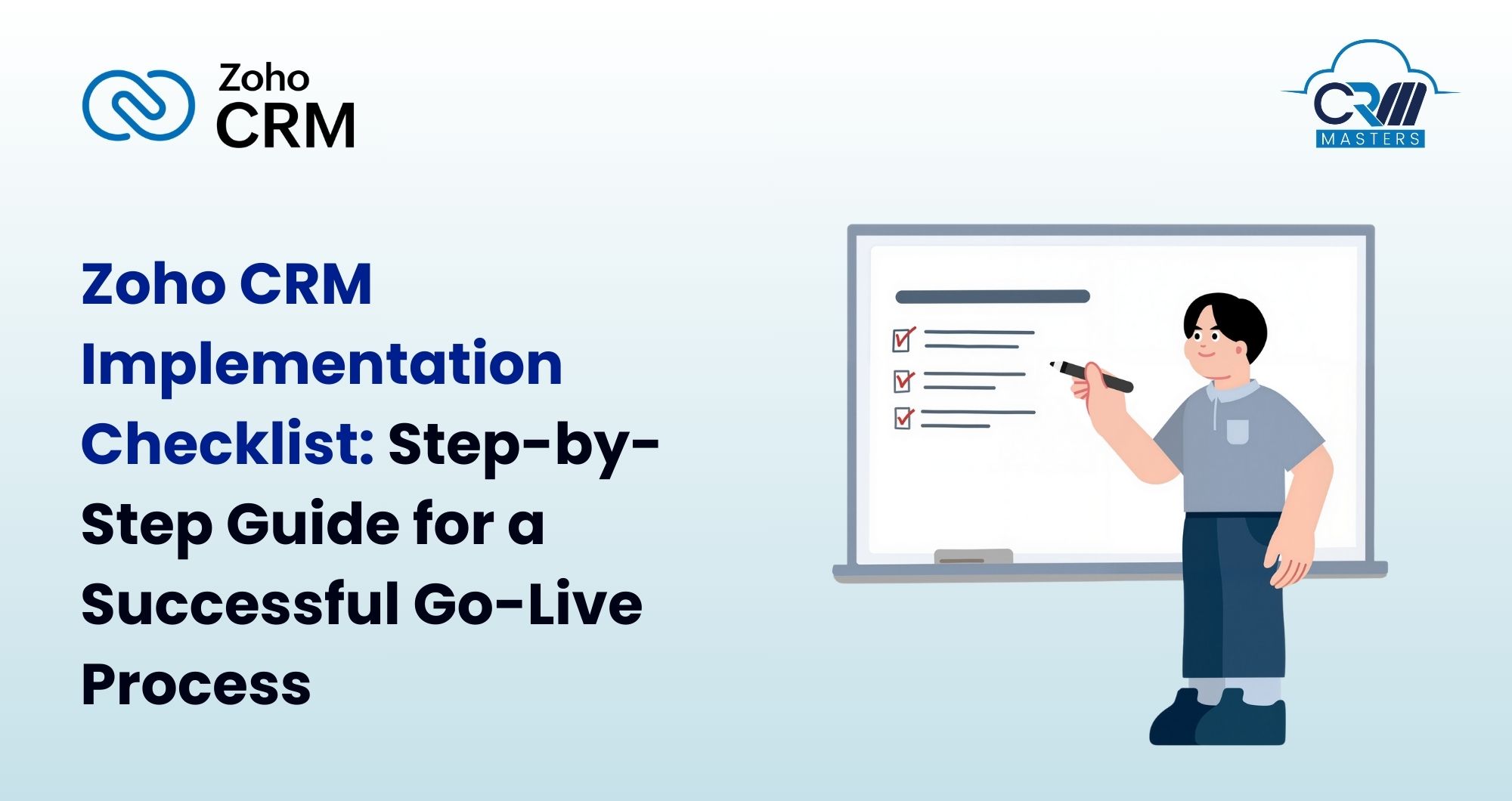
Zoho CRM Implementation Checklist: Step-by-Step Guide for a Successful Go-Live Process
Implementing Zoho CRM is not a software setup exercise. It’s an operational change that touches sales, marketing, customer support, leadership reporting, and day-to-day execution. When done right, Zoho CRM becomes the system that drives visibility, accountability, and growth. When done poorly, it becomes another underused tool that teams avoid.
This is why a structured Zoho CRM Implementation Checklist and rollout plan matters. It brings order to the rollout. It breaks the process into clear phases, so teams know what to do first, what to validate, and when it is safe to move forward. Instead of guessing, the implementation follows a defined set of steps.
This blog will help you avoid common mistakes and perform a successful Zoho CRM Setup with the Zoho CRM implementation checklist. It focuses on practical CRM implementation steps that help you plan effectively, configure Zoho CRM with purpose, test it before launch, and stabilize usage after going live. By following this checklist, teams gain clarity, reduce risk, and start using Zoho CRM as a reliable system rather than an experiment.
Why Do Most CRM Implementations Fail?
Many businesses begin implementation without agreeing on what the CRM should improve. Sales wants better visibility, marketing wants cleaner leads, and management wants reports. When these expectations are not aligned, the system is pulled in different directions, satisfying no one fully.
Another major issue is a lack of process clarity, as CRM tools are built to support and define, but many businesses try to implement them before documenting how work moves from one team to another. As a result, stages do not match real actions, fields feel unnecessary, and users find workarounds outside the CRM.
Understanding these failure patterns is critical. A structured Zoho CRM implementation checklist addresses each of these risks by focusing on strategy, process, data, people, and adoption in the right order.
Here are some of the reasons Zoho CRM Implementation fails, check out the following points:
-
Rushed Setup
Many times, setup is rushed to meet a deadline rather than to support real business workflows. Teams do not agree on what information is mandatory, who owns which records, or how data should move between stages. The CRM may look complete, but it does not reflect reality. Users then struggle to use it correctly, and reporting becomes unreliable from the start. A CRM needs time for planning, review, and validation. Skipping this time leads to rework after go-live, which is far more expensive and disruptive.
-
Poor Planning
Poor planning usually shows up before the first configuration step even begins. Businesses start implementing a CRM without defining clear goals, success metrics, or rollout scope. Without this direction, every decision becomes reactive. When planning is weak, teams often configure too much too soon. Unnecessary modules, fields, and automation are added because no one has defined priorities. This increases complexity and makes the system harder to adopt. Strong planning creates boundaries. It helps teams decide what belongs in phase one and what can wait. Without it, the CRM becomes cluttered, inconsistent, and difficult to manage.
-
Low Adoption
Low adoption is not a user problem. It is an implementation problem. When users do not understand why the CRM exists or how it helps them, they avoid it. This usually happens when training is generic or rushed, and processes are imposed without explanation. Users see the CRM as extra work rather than a tool that supports their daily tasks. Over time, they stop updating records, skip activities, or maintain their own tracking methods outside the system. Once adoption drops, data quality and reporting suffer. A CRM with low usage cannot deliver value, no matter how well it is configured.
-
Bad Data
Bad data can destroy trust in a CRM within days of go-live. Migrating outdated, duplicate, or incomplete records into a new system sends the message that accuracy does not matter. Users quickly notice incorrect contact details, missing fields, or conflicting records. When this happens, they stop relying on reports and dashboards. Decisions are then made outside the CRM, defeating its purpose. Data issues often come from skipping cleanup and validation during migration. Taking time to audit, clean, and test data before import is essential for long-term CRM success.
Pre-Implementation Planning Checklist for Zoho CRM Implementation
This phase determines whether your Zoho CRM Implementation will scale or struggle.
-
Define Clear Business Goals
Start by identifying what Zoho CRM must improve in the first three to six months. These goals should be operational, not aspirational. Examples include reducing lead response time, improving pipeline visibility, or standardizing follow-ups. Clear goals prevent unnecessary customization.
-
Identify Decision Owners
CRM projects fail when ownership is unclear. Assign one business owner responsible for final decisions. Identify representatives from sales, marketing, support, and leadership. Define who approves changes and how conflicts are resolved.
-
Map Existing Processes
Document how work is done today, not how it should ideally work. Map lead capture, qualification, sales handoffs, and post-sale steps. This mapping ensures Zoho CRM supports real behavior instead of forcing artificial workflows.
-
Finalize Functional Requirements
Translate process maps into system requirements. Identify mandatory fields, approval rules, automation triggers, and reporting needs. Avoid listing features. Focus on actions and outcomes.
-
Define Measurable KPIs
KPIs should directly connect to your goals. Examples include lead follow-up time, deal stage conversion, or data completeness. These metrics will later validate whether the Zoho CRM Implementation was successful.
-
Select Zoho CRM Modules
Limit phase-one scope. Choose only the modules required to support defined goals. Additional modules can be added later once adoption stabilizes
CRM Configuration & Setup Checklist
This phase translates planning into system structure. Accuracy matters more than speed during Zoho CRM setup. Many businesses review this stage with a Zoho Implementation Partner to validate design decisions before rollout.
Many teams also review their configuration approach with experienced Zoho consulting services to ensure the system design aligns with real business processes before moving forward.
-
Fields and data structure
Create fields only when they serve a clear purpose. Each additional field increases user effort and reduces data quality. Choose the correct field types to support reporting and automation.
-
Pipelines and deal stages
Deal stages should reflect real actions, not vague progress labels. Define clear entry and exit criteria for each stage so reporting remains consistent across users.
-
Roles and profiles
Access should reflect responsibility. Sales users, managers, and administrators require different permissions. Restrict admin access to prevent uncontrolled changes.
-
Page layouts
Use role-based layouts to reduce clutter. Group related fields logically so users can complete records quickly without scrolling excessively.
-
Permissions and sharing rules
Define who can view, edit, or delete records. Poor visibility rules often lead to data exposure or confusion.
-
Validation rules
Validation rules enforce discipline. Use them sparingly to ensure critical data is captured without blocking productivity.
Data Migration Checklist
Data migration is one of the most sensitive phases of Zoho CRM implementation. Poor execution here undermines confidence immediately. Clean data supports faster adoption after the Zoho CRM go-live.
-
Audit Existing Data
Identify which records are active and relevant. Do not migrate historical data that no one uses. Volume should never override quality.
-
Clean and Deduplicate Data
Standardize formats for names, phone numbers, and addresses. Merge duplicate records carefully. Incomplete data should be corrected or excluded.
-
Map Fields Accurately
Each source field must map correctly to Zoho CRM fields. Incorrect mapping causes reporting errors that are difficult to fix later.
-
Test Imports Before Final Migration
Always run test imports using sample datasets. Validate relationships between modules and confirm ownership rules.
-
Create Backups
Maintain raw data backups and import logs. This protects against accidental loss and supports audits.
-
Post-Migration Validation
Check record counts, ownership accuracy, and mandatory fields. Validation ensures users trust the system from day one.
For example, many teams discover during migration that 20–30% of records are outdated or duplicated. Cleaning this data before import dramatically improves reporting accuracy and user trust after go-live.
Automation & Integration Checklist
Automation should simplify work, not confuse users. This phase is central to scalable Zoho CRM implementation. Structured integration planning is explained further with Zoho Integration Services.
-
Workflow Rules
Automate repetitive tasks such as follow-ups, field updates, and notifications. Keep workflows transparent so users understand what happens automatically.
-
Approval Processes
Define approvals for discounts, deal stage changes, or exceptions. Clear approval logic prevents delays and manual escalation.
-
Alerts and Reminders
Use alerts to support timely action. Avoid excessive notifications that cause alert fatigue.
-
Email Synchronization
Ensure email sync is configured consistently across users. This maintains complete communication history inside Zoho CRM.
-
Marketing, Accounting, and Support Integrations
Integrations should support data continuity across systems. Plan sync direction, frequency, and ownership carefully.
Testing & UAT Checklist
Testing ensures that Zoho CRM behaves as expected under real working scenarios before it reaches end users. Thorough testing process builds confidence across teams and reduces issues while going live to make adoption smoother and more predictable.
-
Sandbox Testing
This includes workflows, validation rules, automation logic, and access permissions. Sandbox testing allows teams to experiment safely, identify conflicts, and correct mistakes without impacting active users or real records.
-
Real-World Scenarios
Testing should mirror daily operations as closely as possible. Simulate the full journey from lead creation to deal closure, including handoffs between teams. Running these scenarios helps uncover gaps in process flow, missing fields, or automation that does not trigger as intended.
-
Edge Case Testing
Testing with incorrect stage movement, incomplete data, rejected approvals, and unusual exceptions. These tests reveal how CRM behaves under pressure and whether safeguards are strong enough to maintain data quality.
-
Manager Validation
Managers should review key reports and dashboards during UAT. This step confirms that metrics, pipeline views, and KPIs reflect reality. Manager validation ensures leadership can trust the system before Zoho CRM go live.
-
Bug Fixing and Retesting
All issues identified during testing should be documented clearly, fixed systematically, and retested. No issue should be marked as resolved until it passes validation.
Training & Adoption Checklist
User adoption determines the long term success of Zoho CRM Implementation. Even a well-configured CRM can fail if the team is unable to use it properly. Here are some of the things a business should do after implementing Zoho CRM.
-
Role-Based Training
Training should be designed around daily responsibilities, not system features. Sales users, managers, and administrators interact with Zoho CRM in different ways, so each group needs focused training relevant to their tasks.
-
Documentation
Users should not be expected to remember processes after training sessions. Provide short, clear guides for common actions such as creating leads, updating deals, logging activities, and generating reports.
-
Standard Operating Procedures
Define expectations for data entry, follow-up timing, record ownership, and reporting updates. When users know what is required and when, data quality improves, and processes remain consistent across teams.
-
Feedback Loop
Feedback should be collected immediately after training and during the first few weeks of usage. This helps identify confusion, process gaps, or unnecessary friction early.
-
Adoption Monitoring
Adoption should be tracked using simple metrics such as login frequency, activity completion, and data completeness. Monitoring adoption helps teams correct problems before they become permanent habits.
Go Live & Post-Launch Optimization
-
Monitor System Usage
Monitor login frequency, module usage, activity completion, and data updates. Usage patterns quickly reveal where teams are struggling or avoiding certain processes.
-
Fix Issues Quickly
These may include data errors, automation gaps, access problems, or workflow failures. Fast resolution reassures users that the system is reliable and that their feedback matters.
-
Refine Workflows
Observe how users move through stages, where delays occur, and which steps cause friction. Simplify processes where possible and remove unnecessary fields or approvals.
-
Improve Reporting & Dashboard
Initial reporting assumptions may not match real management needs. Fine-tune metrics, views, and filters so leadership receives clear, actionable insights from the CRM.
-
Conduct Monthly Reviews
Schedule monthly reviews to assess adoption, data quality, and process effectiveness. Use these sessions to review KPIs, discuss user feedback, and plan incremental improvements.
Why is a Structured Process Important?
A mid-sized SaaS company with sales, marketing, and customer success teams across multiple regions used the Zoho CRM Implementation Checklist. Early on, they found that different teams were tracking deals in slightly different ways, which would have caused reporting errors after go-live.
Instead of rushing, they paused to align processes, clean up old data, and make sure reports reflected how the teams actually worked. During testing, managers noticed that some dashboards didn’t match the real workflow, so adjustments were made before the system went live.
Because these issues were handled early, the CRM launched smoothly. Users adopted it faster, reporting accuracy improved significantly, and the team reduced manual follow-ups by nearly 25%, avoiding the typical chaos that comes after launch. Following a structured approach like this helps move from uncertainty to consistency without needing a major fix later.
Talk to a Zoho Implementation Expert
If you are planning a Zoho CRM Implementation or fixing an existing setup, speaking with an experienced Zoho CRM consultant can help identify gaps early and reduce rollout risks. A short discussion can clarify data flow, user roles, and rollout steps before small issues turn into larger problems.
| Phase | Focus Area | Goal |
| Planning | Goals, ownership, process mapping | Clear direction |
| Setup | Fields, roles, pipelines | Clean structure |
| Migration | Data cleanup & import | Accurate records |
| Automation | Workflows & approvals | Reduce manual work |
| Testing | UAT & validation | Stable system |
| Training | Role-based onboarding | High adoption |
| Go-Live | Monitoring & optimization | Continuous improvement |
FAQ
Q1. How long does Zoho CRM Implementation take?
Ans. Zoho CRM implementation can take a few weeks for simple setups and a few months for complex processes and integrations. The timeline depends on planning, data readiness, and testing depth.
Q2. What should be prepared before going live?
Ans. Processes, data, user roles, and reports should be finalized before go-live. Teams must be trained and confident using the CRM with clean, validated data.
Q3. Can Zoho CRM be implemented without a partner?
Ans. Yes, simple implementation can be done internally by in-house teams but complicated and advanced Zoho CRM Implementation is recommended to be done by Zoho CRM Implementation Experts.
Q4. What causes CRM rollout failures?
Ans. Rushed setup, unclear goals, poor data quality, and low user adoption are the most common reasons. Lack of testing and post-launch monitoring worsens the outcome.
Q5. How to ensure user adoption?
Ans. Providing role-based training and clear usage guidelines are the right CRM Implementation Steps. Monitor activity early and address issues before poor habits form.