



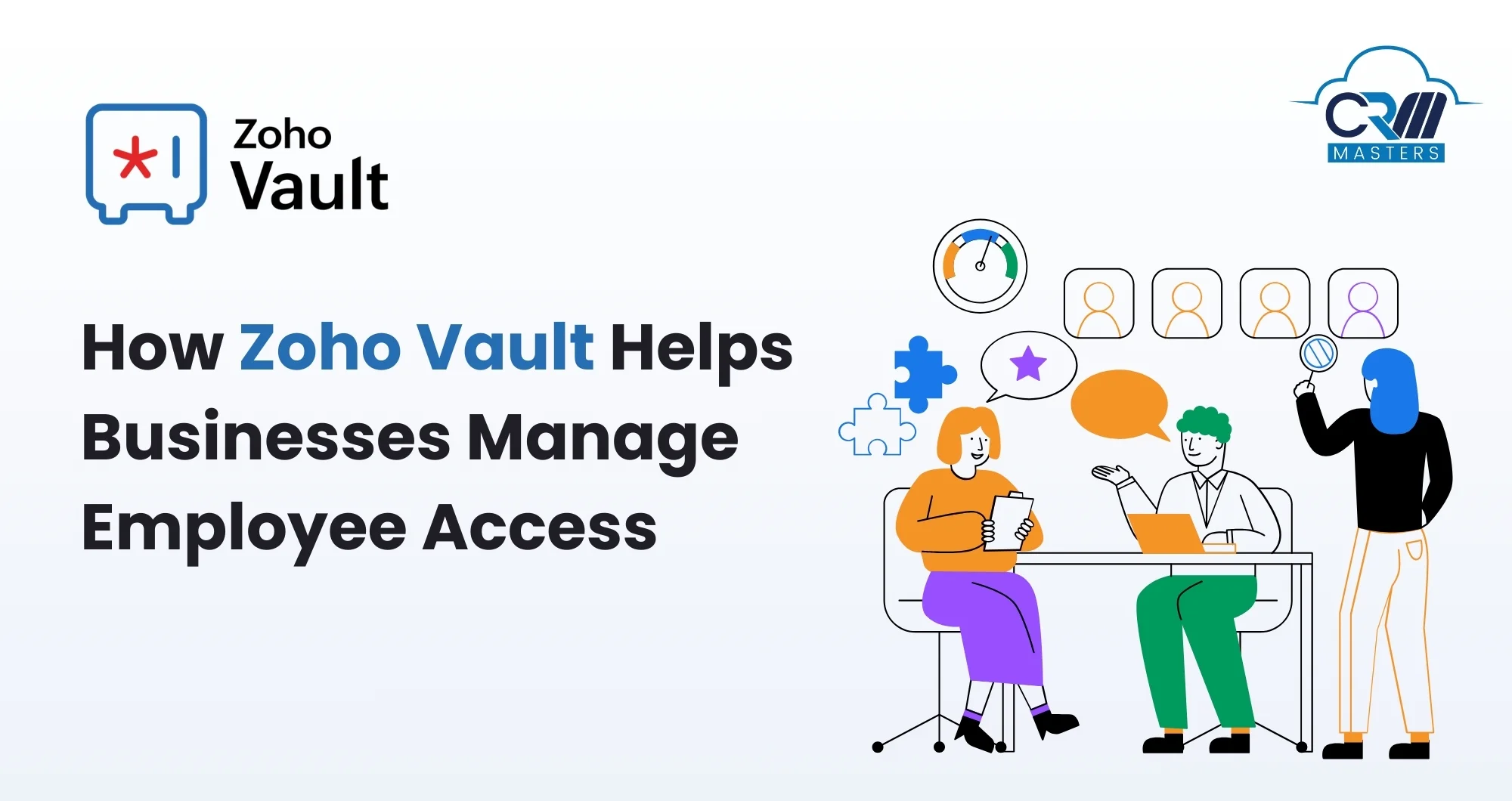
How Zoho Vault Helps Businesses Manage Employee Access
Every company depends on a long list of tools that hold sensitive information. These tools need passwords, keys, and access rights that shift every time a new employee joins or someone moves to a different role. When this is not handled well, passwords get shared in chats, old users keep access they should not have, and the entire system becomes a security risk. Zoho Vault offers a clean and organised way to manage employee access without turning daily work into a struggle. It stores passwords safely, keeps them updated, controls who can see what, and gives businesses a clear picture of how their information is being used. The platform fits well for both small teams and large companies because it centralises everything related to access control.
This blog explains how Zoho Vault supports businesses in handling employee access in a simple and secure manner. You will also find practical tips, common use cases, and clear steps that help you make the most of this tool.
Why Employee Access Management Needs a Proper System
Businesses often grow faster than expected. As new departments appear and responsibilities shift, access control usually becomes scattered. Many teams still depend on spreadsheets or personal password notes. This works for a short time but fails the moment the team expands or when someone leaves the company.
A proper access management system protects passwords while ensuring the right people can access the right tools at the right time. It cuts confusion, reduces the chances of internal mistakes, and keeps administrators informed about every activity.
Zoho Vault gives businesses this structure. It acts as a central locker where every credential is stored, organised, and granted only to those who need it.
How Zoho Vault Brings Structure to Employee Access

1. Centralised Password Storage
Zoho Vault keeps all business passwords in one secure space. Instead of having scattered storage locations, every login becomes part of an organised system. This supports clear visibility and reduces dependency on individuals.
2. Role-Based Permissions
Access varies from one role to another. Zoho Vault allows businesses to create user groups and assign permissions that match the responsibilities of each team. This prevents unnecessary exposure of confidential data.
3. Secure Sharing for Daily Work
Employees often need to collaborate on tools. Zoho Vault enables safe password sharing without revealing the actual password. This prevents accidental leaks and stops information from circulating through chats or emails.
4. Easy Onboarding and Offboarding
When a new member joins, they can be added to the correct groups and receive access instantly. When someone leaves, their access can be removed with a single action. This protects your system from lingering credentials or inactive users.
5. Real Time Activity Tracking
Administrators can see who accessed what and when. This creates accountability and helps identify unusual behaviour. Regular logs also support compliance requirements for businesses that need to maintain audit-ready records.
6. Integration With Daily Tools
Zoho Vault works smoothly with browsers, mobile devices, and Zoho services. It supports autofill, browser extensions, and team workflows, which makes it easy for employees to adopt without training.
How Zoho Vault Fits Into Daily Business Operations
1. For IT Teams
IT teams manage high-value systems that require strong protection. Zoho Vault helps them organise privileged passwords, rotate them regularly, and monitor usage with complete clarity.
2. For HR and Admin Departments
HR roles often come with access to confidential platforms. Through Zoho Vault, permissions can be controlled cleanly. New employees can be added to the correct folders, and older accounts can be removed without confusion.
3. For Remote or Hybrid Teams
Remote teams handle daily work through shared tools. Zoho Vault ensures access is provided quickly and safely so that no confidential information moves through informal channels.
Practical Tips to Use Zoho Vault for Better Employee Access Management
These tips help you get the most value from Zoho Vault without making your setup complicated.
1. Create Structured Folders for Each Department
Create separate folders for finance, operations, HR, sales, and IT. Keep the information relevant to each team inside its own folder. This makes access decisions simple and improves clarity for everyone using the system.
2. Use Groups to Control Permissions
Instead of assigning access one by one, form user groups that match job roles. Examples include interns, executives, managers, and administrators. Once groups are created, managing rights becomes faster and more accurate.
3. Share Passwords Without Revealing Them
Use Zoho Vault’s option that allows users to access a password without viewing the actual text. This prevents employees from saving passwords outside the system.
4. Turn On Notifications for Sensitive Folders
Enable alerts for folders that hold financial or confidential information. This helps you track access patterns and identify unusual activity early.
5. Use the Browser Extension for Faster Adoption
Encourage teams to use the Zoho Vault browser extension. It fills passwords automatically and helps employees adapt to the system without changing their daily routine.
6. Rotate Critical Passwords Regularly
Most breaches happen due to old or reused passwords. Zoho Vault allows easy updates and helps teams adopt stronger passwords without the burden of remembering them.
7. Clean Up Inactive Accounts
Review the list of users regularly. Remove access for employees who have left the organisation or have shifted to different roles.
8. Document Access Practices
Use Zoho Vault’s notes and custom fields to store additional information linked to each credential. This helps future users understand how and when to use specific tools.
Conclusion
Managing employee access is one of the most important parts of modern security. With Zoho Vault, businesses can organise passwords, control permissions, and protect sensitive tools without slowing down daily work. It simplifies onboarding, supports clean offboarding, and keeps every login inside a secure environment.
If you want expert help in setting up Zoho Vault or creating a stronger access management system for your business, CRM Masters, as a trusted Zoho Implementation Partner, can guide you through every step.
Our team of 100+ professional developers helps you configure the right structure, manage permissions, and create a safe and organised workflow.
FAQ
Q1. How does Zoho Vault support remote teams
Ans. Zoho Vault offers secure sharing, browser extensions, and mobile access, making it suitable for teams working from different locations.
Q2. Is activity tracking available in Zoho Vault
Ans. Yes. Administrators can monitor access logs and view reports that show who used which password and when.
Q3. Is Zoho Vault safe for storing high-level credentials
Ans. Zoho Vault uses strong encryption to secure sensitive information and is safe for storing confidential passwords.