



Zoho CRM Plus Review 2026: Features, Pricing & Benefits
If your sales team is in one tool, your support agents are in another, and your marketers are working out of a third, you are not running smooth operations. You are presenting different versions of the facts.
That’s a real problem for growing businesses, and it’s exactly what Zoho CRM Plus was built to solve.
Since its launch in 2014, Zoho CRM Plus has evolved into a unified customer experience platform trusted by several businesses worldwide. Instead of juggling disconnected software for sales, support, marketing, analytics, and customer engagement, businesses can manage everything from one connected ecosystem.
Today, Zoho CRM Plus stands out as one of the most cost-effective customer experience platforms available for growing businesses. Yet many companies still struggle to understand what separates it from standard Zoho CRM, whether the upgrade is justified by the pricing, and how it compares to platforms like Salesforce or HubSpot in 2026.
In this guide, we’ll break down Zoho CRM Plus features, pricing, benefits, and why it continues to outperform many competitors for businesses looking to scale efficiently.
What is Zoho CRM Plus
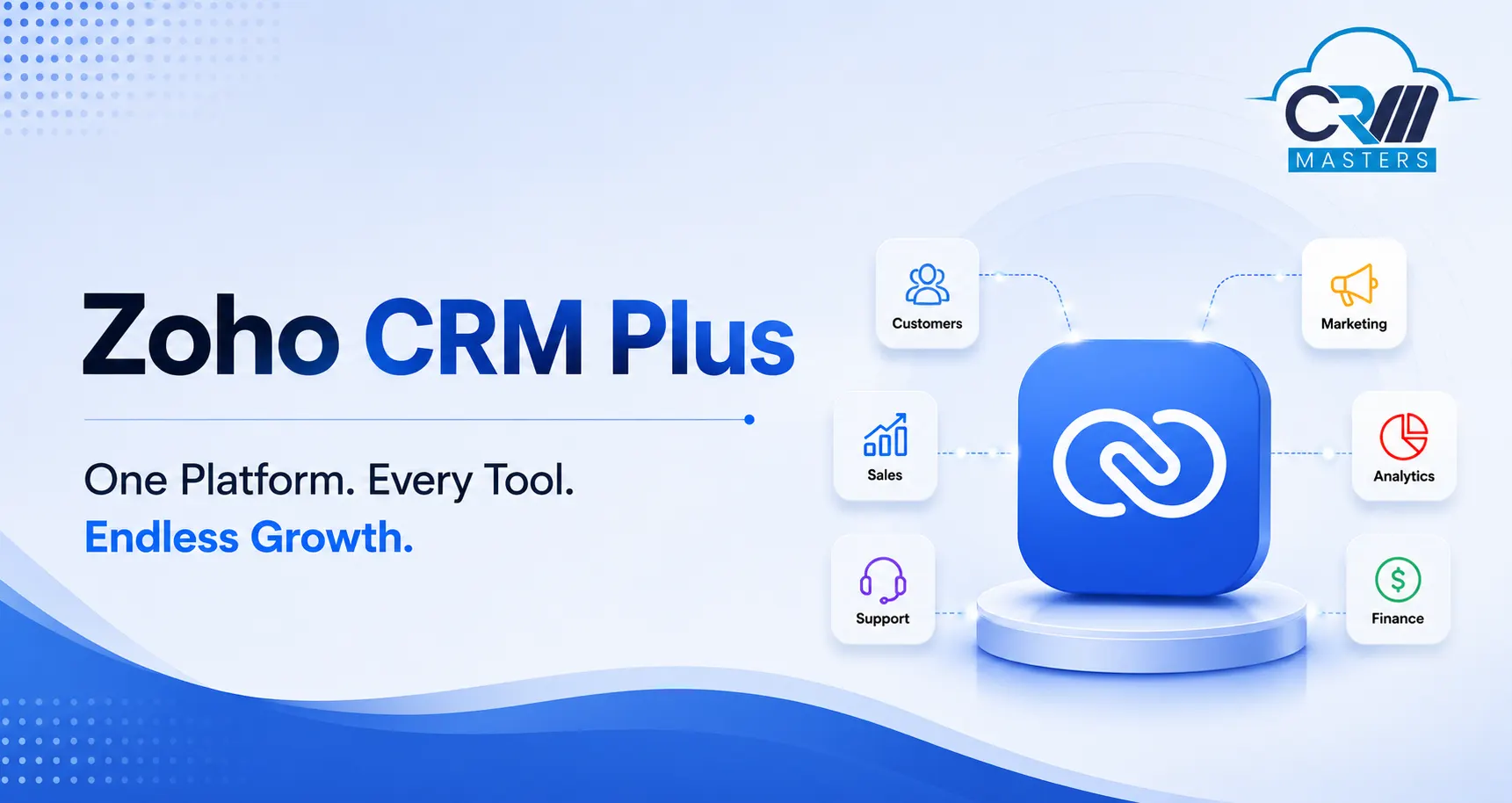
Zoho CRM Plus is a unified customer experience (CX) suite that packages nine Zoho applications under a single subscription, single login, and single admin panel. It’s not just a CRM, it’s a shared operating layer for your entire customer-facing operation.
Here’s what’s included in every Zoho CRM Plus subscription:
| Zoho App | What It Does |
|---|---|
|
Zoho CRM
|
Sales automation, pipeline management, lead tracking, and customer relationship management. |
|
Zoho SalesIQ
|
Live chat and real-time website visitor tracking to engage prospects instantly. |
|
Zoho Desk
|
Help desk, ticketing, and customer support automation for faster issue resolution. |
|
Zoho Campaigns
|
Email marketing automation and audience nurturing for better customer engagement. |
|
Zoho Social
|
Manage and monitor multiple social media platforms from one dashboard. |
|
Zoho Survey
|
Collect customer feedback, NPS scores, and conduct market research surveys. |
|
Zoho Analytics
|
Unified dashboards and cross-team business intelligence reporting. |
|
Zoho Projects
|
Track post-sale projects, tasks, deadlines, and team collaboration efficiently. |
|
Zoho SalesInbox
|
An email client purpose-built for sales reps to manage conversations and deals faster. |
The critical difference from standalone Zoho CRM? Every one of these apps shares the same customer record. Your support agent can see active deals. Your sales rep can see open tickets. Your marketer can see which campaign originally sourced a lead. No duplicate data, no context switching, no information gaps.
Zoho CRM Plus Pricing: What Does It Actually Cost in 2026?
Zoho CRM Plus pricing is one of the most searched questions about this platform, and for good reason. Here’s the current structure:
| Plan | Price (per user/month, annual billing) | Availability |
| CRM Plus Starter | Contact Zoho / Partner for a quote | US, UK, India, Canada |
| CRM Plus Standard | ~$57/user/month | Global |
Zoho launched the Starter edition in late 2025, and it’s now fully available in 2026 for smaller teams that want a unified CX foundation without full enterprise complexity. It includes core capabilities across sales, service, marketing, and analytics. with a clean upgrade path as your team grows.
Key things to know before you commit:
- A 30-day free trial is available with no credit card required
- All your data, customisations, and workflows carry over if you upgrade after the trial
- Month-to-month billing is available, though annual billing offers significantly better value
- Non-profits and charities qualify for special discounted pricing. Contact Zoho directly
Zoho One CRM vs Zoho CRM Plus: Which Is Right for You?
If you’ve been going back and forth between Zoho One and Zoho CRM Plus, here’s the clearest way to think about it.
Zoho CRM Plus is purpose-built for customer experience. It gives your sales, marketing, and support teams a unified platform, 9 apps, all pre-integrated, all designed to share the same customer data.
Zoho One is Zoho’s full business operating system. It covers 50+ apps, including accounting (Zoho Books), HR (Zoho People), legal (Zoho Contracts), e-signature (Zoho Sign), and much more. It’s built for companies that want to run every department on Zoho — not just customer-facing teams. For a detailed breakdown of what’s included across the Zoho One ecosystem, our Zoho One Applications guide covers it comprehensively.
For a direct side-by-side breakdown of all three tiers , Zoho CRM, Zoho CRM Plus, and Zoho One, we’ve covered exactly that in our dedicated comparison: Zoho CRM vs Zoho CRM Plus vs Zoho One: Key Differences.
Choose Zoho CRM Plus if: Your primary goal is improving customer acquisition, experience, and retention — and you want your sales, marketing, and support teams sharing the same data.
Choose Zoho One if: You want a company-wide platform covering finance, operations, HR, and customer management together under one subscription.
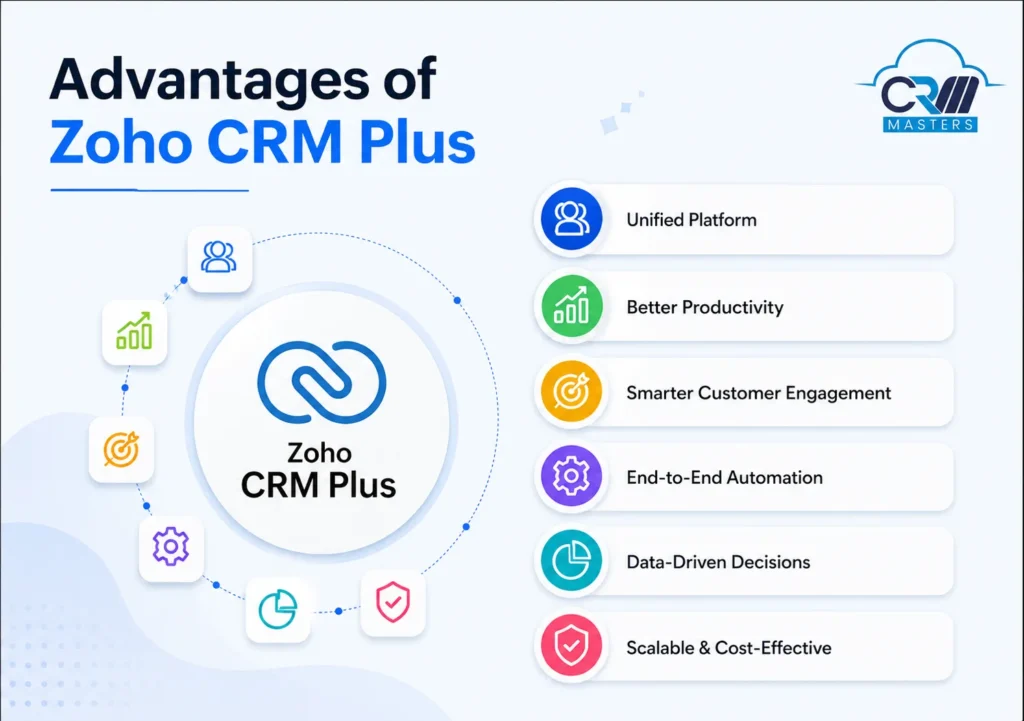
7 Real Advantages of Zoho CRM Plus
1. One Unified View of Every Customer
The biggest practical advantage of Zoho CRM Plus isn’t any single feature; it’s the shared customer record across every app.
Your support agent answering a ticket can see the customer’s deal value and which sales rep manages their account. Your sales rep can see open tickets before making a renewal call. Your marketer knows which campaign converted a lead before anyone picks up the phone.
Zoho’s AI assistant Zia enriches this further by searching publicly available data online and automatically filling gaps in your CRM records, company size, website, LinkedIn, and industry, without manual data entry from your team.
This cross-team visibility is what separates businesses that deliver seamless experiences from those that make customers repeat their story every single time they switch channels.
2. Zia AI: Genuinely Useful, Not Just a Chatbot
Zia is one of Zoho CRM Plus’s most underrated features. Most teams barely scratch the surface of what it can do.
As of 2026, Zia’s scoring system has been significantly expanded, and it’s now available across every module in CRM Plus, not just standard lead records. It supports multiple scoring types: engagement score, health score, conversion score, follow-up score, and field attribute score. These scores now also trigger automated workflow actions, meaning Zia’s intelligence directly powers your automation engine rather than just surfacing recommendations.
Beyond scoring, Zia:
- Suggests the best time to contact each prospect based on historical response patterns
- Monitors sales anomalies and alerts you before small dips become pipeline problems
- Answers support calls on your behalf and detects customer sentiment in incoming tickets
- Recommends upsell and cross-sell opportunities by analysing purchase history and visitor behaviour
- Builds reports and dashboards on request — no manual configuration needed
3. Automation Across the Entire Customer Lifecycle
Zoho CRM Plus doesn’t just automate inside sales. It automates across every team that touches a customer.
Workflow rules handle email sends, task assignments, and field updates automatically when defined triggers are met. Blueprint lets you design and enforce step-by-step processes for sales, marketing, and support, ensuring every deal and ticket moves through the right stages with the right approvals. Cadences automate multi-channel follow-up sequences across email, calls, and social without reps having to manually track each touchpoint.
The result: sales reps stop spending time on admin follow-ups. Support agents stop routing tickets manually. Marketers run campaigns that respond to real customer behaviour rather than scheduled blasts.
4. True Omnichannel Customer Engagement
Customers reach you through email, phone, live chat, social media, web forms, and your website.
Zoho CRM Plus unifies all of these channels, so your team never loses context mid-conversation.
A live chat can be escalated to a phone call without the customer repeating themselves. A complaint on Twitter/X can be automatically converted into a support ticket in Zoho Desk. A lead captured through a signup form arrives in CRM with their full visit history, the pages they viewed, the products they looked at, and how long they spent on each.
Your team gets the full picture before they say hello. That’s what makes the difference in competitive markets.
5. Social Media Management Built Right In
Most CRM platforms don’t touch social media. Zoho CRM Plus includes Zoho Social, which lets you manage Facebook, Instagram, LinkedIn, Twitter/X, and Google My Business from within the same platform where your CRM data already lives.
More importantly, it connects social activity directly to CRM data. You can see a lead’s social media engagements alongside their deal history and support tickets — all in one record. A positive brand mention can be added as a new lead directly in your CRM with one click. This is particularly powerful for B2B teams doing account-based selling and for B2C brands managing high-volume community engagement.
6. Analytics That Actually Cross Teams
Reporting in Zoho CRM Plus operates at three levels, and the third is where it gets genuinely powerful.
Team dashboards give sales, marketing, and support their own KPI views. Unified analytics lets you pull data from CRM, Desk, and Social into a single cross-functional report, presented using 300+ pre-built templates. Want to see how a specific email campaign influenced support ticket volume and deal close rate in the same month? That’s entirely possible here.
User 360, introduced in late 2025 and now a standard feature in 2026, brings individual team member performance metrics into a single admin view. No more manually piecing together who’s performing and where bottlenecks exist, everything is visible in one consolidated dashboard.
7. Faster to Implement Than You’d Expect
Zoho reports their implementation time is 50% lower than the industry average. This is largely because CRM Plus is pre-integrated; you’re not building nine separate API connections. The apps are designed to share data from day one.
That said, “pre-integrated” doesn’t mean “ready for your business out of the box.” Every organisation has unique processes, data structures, and teamwork workflows. Getting those configured correctly from the start is where implementation expertise genuinely pays off and avoids the costly rework that happens when setup is rushed.
Zoho CRM Plus vs HubSpot vs Salesforce: An Honest Comparison
Real buying decisions don’t happen in isolation. Here’s how Zoho CRM Plus stacks up against the two most common alternatives:
| Factor |
Zoho CRM Plus
Best Value
|
HubSpot
Marketing Focused
|
Salesforce
Enterprise
|
|---|---|---|---|
| Pricing | ~$57/user/month (full suite) | $1,200+/month for comparable features | $150–$300+/user/month |
| AI Assistant | Zia — built-in, no add-on cost | ChatSpot (improving) | Einstein — add-on cost |
| Marketing Included | Yes (Campaigns + Social) | Yes (stronger inbound tools) | No — needs Marketing Cloud |
| Help Desk Included | Yes (Zoho Desk) | Yes (Service Hub, extra cost) | No — needs Service Cloud |
| Learning Curve | Moderate to steep | Moderate | Steep |
| Customization Depth | Very high | Moderate | Very high |
| Best For | SMBs wanting full CX at value pricing | Inbound marketing-led teams | Large enterprise sales organizations |
The honest summary: if polished UI and inbound lead generation are your top priorities, HubSpot edges ahead. If you need enterprise-grade brand recognition and deep integration depth, Salesforce wins. But if you want a comprehensive customer experience platform covering sales, marketing, and support at a fraction of the cost, Zoho CRM Plus is the strongest option in its class for most growing businesses.
How to Log In to Zoho CRM Plus
Accessing your Zoho CRM Plus login is straightforward. If you’ve already set up a Zoho account, use those same credentials. Zoho CRM Plus uses single sign-on across all nine included apps, so once login gives your team access to everything.
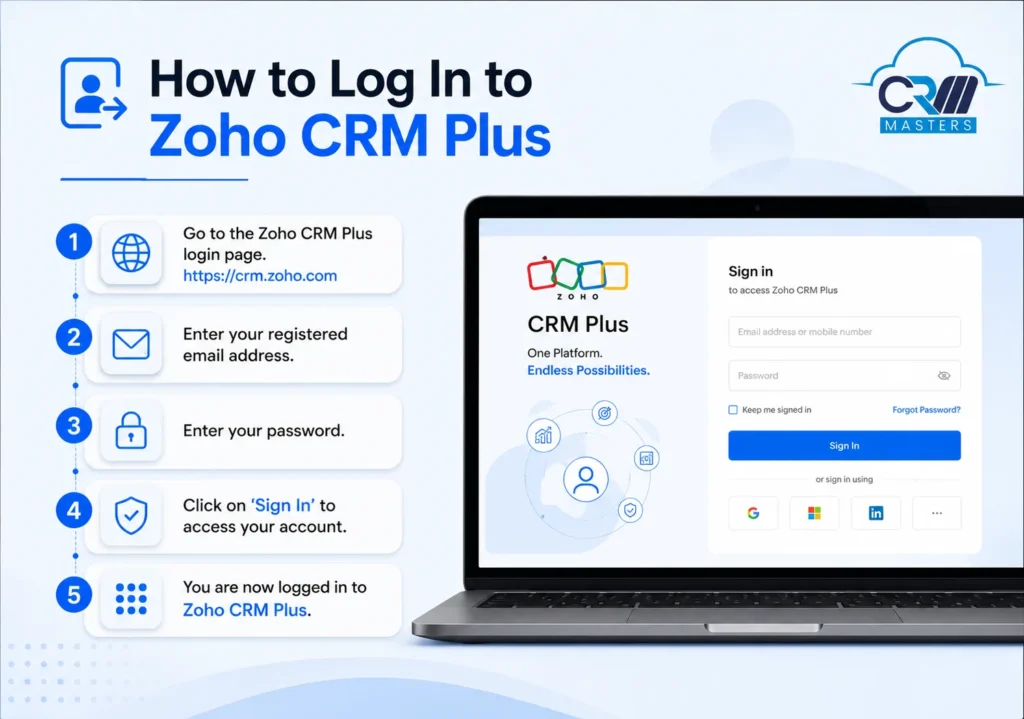
If you’re starting fresh:
- Visit zoho.com/crm/crmplus and start your 30-day free trial
- Create your Zoho account, and this becomes your single sign-on across all 9 apps
- Use the same credentials to access CRM, Desk, Social, Analytics, and everything else, no separate logins, no password juggling
- Download the Zoho CRM mobile apps for iOS and Android for access on the go
For a step-by-step walkthrough of the initial CRM setup process, our guide on setting up Zoho CRM covers the first-login experience in detail, and the interface and navigation logic apply to CRM Plus as well.
Who Should Use Zoho CRM Plus?
It’s the right choice if:
- You have separate sales, marketing, and support teams currently working from disconnected tools
- You’re paying for 3+ SaaS subscriptions that don’t share data cleanly
- You want AI-driven insights without Salesforce-level pricing
- You’re scaling from SMB to mid-market and need a platform that grows with you without a forced re-platform down the road
You might not need it if:
- You only need a sales pipeline tool; standard Zoho CRM is a better fit and better value at that stage
- Your team is under 5 people, and the full suite would go mostly unused
- You’re a marketing-first team where HubSpot’s native content and SEO tools are genuinely your top priority.
Conclusion
Zoho CRM Plus isn’t the flashiest CRM on the market. But it may be the most complete one at its price point.
The combination of pre-integrated sales, marketing, support, and analytics — backed by a genuinely capable AI assistant in Zia and a unified customer view across every touchpoint, gives businesses something most vendors charge enterprise prices to deliver, if they deliver it at all.
If you’re serious about improving your customer experience without fragmenting your teams across a dozen different tools, Zoho CRM Plus deserves a serious look in 2026.
Frequently Asked Questions
1. What is Zoho CRM Plus used for?
Zoho CRM Plus is used to unify sales, marketing, and customer support operations under one platform. It helps businesses manage leads, run email campaigns, handle support tickets, monitor social media, and analyse performance — all from a single interface with a shared customer database.
2. How much does Zoho CRM Plus cost?
Zoho CRM Plus costs approximately $57 per user per month (billed annually) for the full suite. A Starter edition is available for smaller teams in the US, UK, India, and Canada. A 30-day free trial is available with no credit card required.
3. What is the difference between Zoho CRM and Zoho CRM Plus?
Zoho CRM is a standalone sales CRM for managing leads, contacts, and deals. Zoho CRM Plus bundles nine Zoho apps — including Desk, Social, Campaigns, Analytics, Survey, and more — into a unified customer experience platform. CRM Plus is the better fit for teams managing the full customer lifecycle. See our full breakdown: Zoho CRM vs Zoho CRM Plus vs Zoho One.
4. What is Zoho One CRM?
Zoho One is Zoho’s all-in-one business platform covering 50+ apps, including accounting, HR, legal, operations, and CRM. Zoho CRM Plus focuses specifically on customer-facing teams — sales, marketing, and support. Zoho One is the broader choice for companies wanting to run all departments on Zoho.
5. How do I log in to Zoho CRM Plus?
Visit zoho.com/crm/crmplus and sign in with your Zoho account credentials. Single sign-on gives you access to all nine included apps with the same login, No separate passwords per app.
6. Does Zoho CRM Plus include AI features?
Yes. Zoho CRM Plus includes Zia, Zoho’s built-in AI assistant. Zia provides lead scoring, sales anomaly detection, sentiment analysis on support tickets, best-time-to-contact suggestions, upsell and cross-sell recommendations, and on-demand report generation — all at no extra cost.
7. Can CRM Masters help implement Zoho CRM Plus?
Yes. CRM Masters is a certified Zoho Premium Partner with 4,000+ projects delivered across India, the UK, the UAE, and the USA. We handle end-to-end implementation, including setup, customisation, integration, data migration, and ongoing support. Book a free consultation to get started.