





Factors Affecting Zoho One Implementation Cost: A Complete 2026 Breakdown
If you have looked into Zoho One, you already know the headline pricing looks simple. Two plans, a clear per-user rate, and a promise of more than 45 apps under one roof. What is rarely explained clearly, and what most buyers only discover after signing a contract, is that the subscription fee and the implementation cost are two entirely different budget lines.
This guide breaks down exactly what drives Zoho One implementation cost in 2026, using current pricing benchmarks and the technical factors that move the number up or down, so you can evaluate any proposal with real context before you request a quote.
📋
Quick Summary
Everything this blog covers, at a glance
Zoho One’s subscription price and its implementation cost are two separate bills, and most buyers only realize this after they’ve already signed up. Here’s what this guide breaks down:
- 1
Pricing breakdown. All Employee vs. Flexible User plans (2026 rates), which one saves more depending on team size, and what the license fee does not include - 2
What “implementation” really means. Setup, data migration, automation, integrations, permissions, training, and documentation, broken into seven distinct workstreams - 3
10 cost drivers. Team size, app count, data cleanliness, custom Deluge scripting, third-party integrations, compliance needs, and DIY vs. partner-led setup - 4
2026 cost benchmarks. Real ranges for small, mid-size, and enterprise rollouts, plus a separate benchmark for data migration alone - 5
Hidden costs. Storage overages, premium support, and re-training after major updates - 6
Self-check questions. Five practical questions to estimate your own project scope before requesting a quote - 7
FAQ. Timelines, DIY feasibility, and regional pricing differences
Zoho One License Cost vs. Implementation Cost: Why They Are Different
Current Zoho One Pricing (2026)
Zoho One has two pricing plans, and the one you pick affects both your bill and the size of your implementation project.
All Employee plan: Every person at your company gets added, even occasional users. Because everyone is included, the price per person is low: around $37 per user per month on yearly billing (about $45 monthly).
Flexible User plan: You only pay for employees who actually use Zoho. Since you are being selective, the price per person is higher: around $90 per user per month on yearly billing (about $105 monthly).
Which one is cheaper for you? A simple rule of thumb:
More than roughly 40% of your team will use Zoho → All Employee is usually cheaper overall
Only a small group or one department needs it → Flexible User is usually the better deal
What the subscription does not include: this price only covers access to the software. It does not include anyone setting it up for you. Configuration, data migration, and training all cost extra. Zoho offers some basic guided onboarding, plus a paid Jumpstart or Concierge option for simple setups. But for anything beyond a basic, single-app setup, you will need either an in-house person with the time to learn Zoho properly, or a certified implementation partner.
What the License Fee Actually Includes
Your subscription gets you access to the apps, the admin console, storage, and Zoho’s built-in AI features (Zia).
That’s it. It does not get you a system that’s actually set up to match how your business works. Getting from “we have access to the software” to “our team can log in and use it properly” is exactly what implementation cost pays for.
What Zoho One Implementation Actually Covers
“Implementation” isn’t one task; it’s a bundle of distinct workstreams, and most Zoho One projects involve some combination of the following:
1. Setup and Configuration
Zoho apps ship with generic defaults: a standard sales pipeline in CRM, a basic chart of accounts in Books, a default ticket layout in Desk. Configuration means reshaping these around how your business actually operates, with custom fields, modules, and layouts for your specific industry rather than Zoho’s generic template. A manufacturing distributor, for example, typically needs custom inventory and batch tracking fields that don’t exist in Zoho’s out-of-the-box Inventory module, while a services firm usually needs project-linked billing fields that Books doesn’t ship with by default.
2. Data Migration
Moving records over from an old CRM, spreadsheets, or another system rarely means a straight copy-paste. It usually means de-duplicating contacts, standardizing inconsistent naming, and mapping old fields to new ones, especially when the source data has years of inconsistencies baked in. A business with a decade of Excel-based records, for instance, often has the same client entered under three or four slightly different names. That cleanup work, not the technical migration itself, is usually what takes the most time.
3. Workflow and Automation Building
This covers everything from a simple auto-assignment rule to multi-step approval chains routing a request through several people before it’s finalized. It also includes training Zia, Zoho’s AI, on your data for things like lead scoring, which only works well once it has enough historical data to learn from, so newer businesses often see less benefit from Zia in the first few months than established ones.
4. Third-Party Integrations
Connecting Zoho to whatever else your business runs on: accounting software, WhatsApp, an industry-specific ERP. Some connect through pre-built Zoho Flow connectors in minutes. Others need custom API work, which is usually where timelines stretch longer than expected, particularly with older ERP systems not built with modern API standards in mind.
5. Roles and Permissions
Structuring who sees what: role hierarchies, field-level restrictions (a rep sees the deal, not the margin), and territory rules so one region’s team isn’t looking at another’s pipeline by default. This gets more involved once a business operates across multiple branches or country entities under one Zoho One account.
6. Staff Training
Effective training is role-specific, not one generic session, since a salesperson’s day-to-day use of CRM looks nothing like an accountant’s use of Books. It also tends to work best in phases: an initial walkthrough, a period of supervised use, and a follow-up session once real questions have come up on the job.
7. Documentation
A record of what was built and why, so future changes don’t depend entirely on the one person who set it up still being around. Businesses that skip this step often end up re-explaining the entire system from scratch when a new hire or new partner takes over.
Skipping any of these doesn’t remove the cost; it just relocates it. Skip migration, and your team re-enters old records by hand for months. Skip training, and a well-built system sits half-used while people quietly go back to spreadsheets.
The real cost driver isn’t the number of workstreams involved; it’s how complex each one is for your business. A single-app rollout for one team might only need light configuration and one training session. A company-wide rollout across sales, finance, HR, and support usually needs meaningful work across all seven areas at once, which is why two businesses buying the “same” Zoho One license can end up with very different implementation bills.
Also Read: Are You Confused Between Zoho CRM, Zoho CRM Plus, and Zoho One?
Key Factors That Affect Zoho One Implementation Cost
1. Number of Users and Departments Involved
A rollout confined to a five-person sales team is a fundamentally different project than a company-wide deployment touching sales, finance, HR, and support at once. More users generally means more role-based permission structures, more training sessions, and more edge cases to configure. This is often the single biggest driver of hours billed, more so than raw headcount alone.
2. Number of Apps Being Deployed
Zoho One includes over 45 applications, but almost no business implements all of them at once. A project scoped around Zoho CRM and Zoho Books is considerably faster and cheaper to configure than one that also brings in Zoho Desk, Zoho People, Zoho Inventory, and Zoho Projects. Each additional app adds its own setup requirements and its own points of integration with the apps around it, since data often needs to flow between them (a closed deal in CRM should trigger an invoice in Books, for instance).
3. Data Migration Complexity
Migration cost is driven less by how much data you have and more by how clean it is. A recent export from a modern CRM with consistent fields migrates quickly. A decade of records spread across spreadsheets with duplicate entries and inconsistent naming requires significant manual cleanup first. Businesses migrating from platforms like Salesforce or HubSpot with reasonably organized data see migration costs land in the same range as other core services; messier datasets push that line item considerably higher.
4. Customization Needs
Zoho’s standard modules cover common use cases out of the box, but many businesses need logic that goes beyond default fields and layouts. Custom functions written in Deluge, Zoho’s proprietary scripting language, are used to build advanced automations, custom validations, or logic that connects multiple apps in specific ways, for example, recalculating a commission tier in CRM based on values pulled from a linked Books invoice. The more custom scripting a project requires, the higher the implementation cost climbs.
5. Third-Party Integrations
Very few businesses run on Zoho alone. Connecting it to an existing ERP, a WhatsApp Business API, or a specialized accounting tool requires API-level work and testing. Integrations are frequently the most unpredictable line item in a project, since complexity depends heavily on the third-party system’s own API limitations, not just on Zoho’s side of the connection.
6. Workflow Automation and AI Configuration
Basic Zoho One setup gives you working apps. Configuring meaningful automation, lead scoring, approval workflows, and Zia AI-powered features that actually reduce manual work is a separate and often more valuable phase of implementation. It adds cost upfront but is usually where businesses recover the most time later.
7. Training and Change Management
Software that nobody knows how to use does not deliver ROI. Training costs scale with team size and with how different the new workflows are from what staff is used to. A team moving from spreadsheets to a full CRM and ERP suite generally needs more structured training than a team simply switching from one CRM to another, since they’re adapting to a new way of working, not just a new interface.
8. Industry-Specific Compliance Requirements
Regulated industries such as financial services, healthcare, or insurance often need additional configuration to support audit trails, data residency rules, or industry-specific record keeping. These requirements add both configuration time and, in some cases, ongoing governance work that should be factored into the initial scope rather than discovered later, when retrofitting compliance controls into a live system is far more disruptive.
9. DIY vs. Partner-Led Implementation
Zoho’s applications are genuinely usable without outside help for straightforward, single-app setups, especially if you have internal staff comfortable with cloud software. Zoho’s own documentation and guided onboarding sessions can carry a small team a long way. Once a project spans multiple departments, requires data migration, or needs custom automation, the time investment for an internal team to learn implementation from scratch usually outweighs the cost of bringing in a partner who has done it before, since mistakes made early in a CRM setup are often expensive to unwind later.
10. Partner Location and Hourly Rates
If you work with a certified partner, geography plays a real role in the final number. Hourly rates vary significantly by region, and businesses working with partners in markets with lower operating costs often see lower total project costs for comparable scope and quality, since certified status and technical competency aren’t tied to a single geographic market.
Typical Zoho One Implementation Cost Ranges in 2026
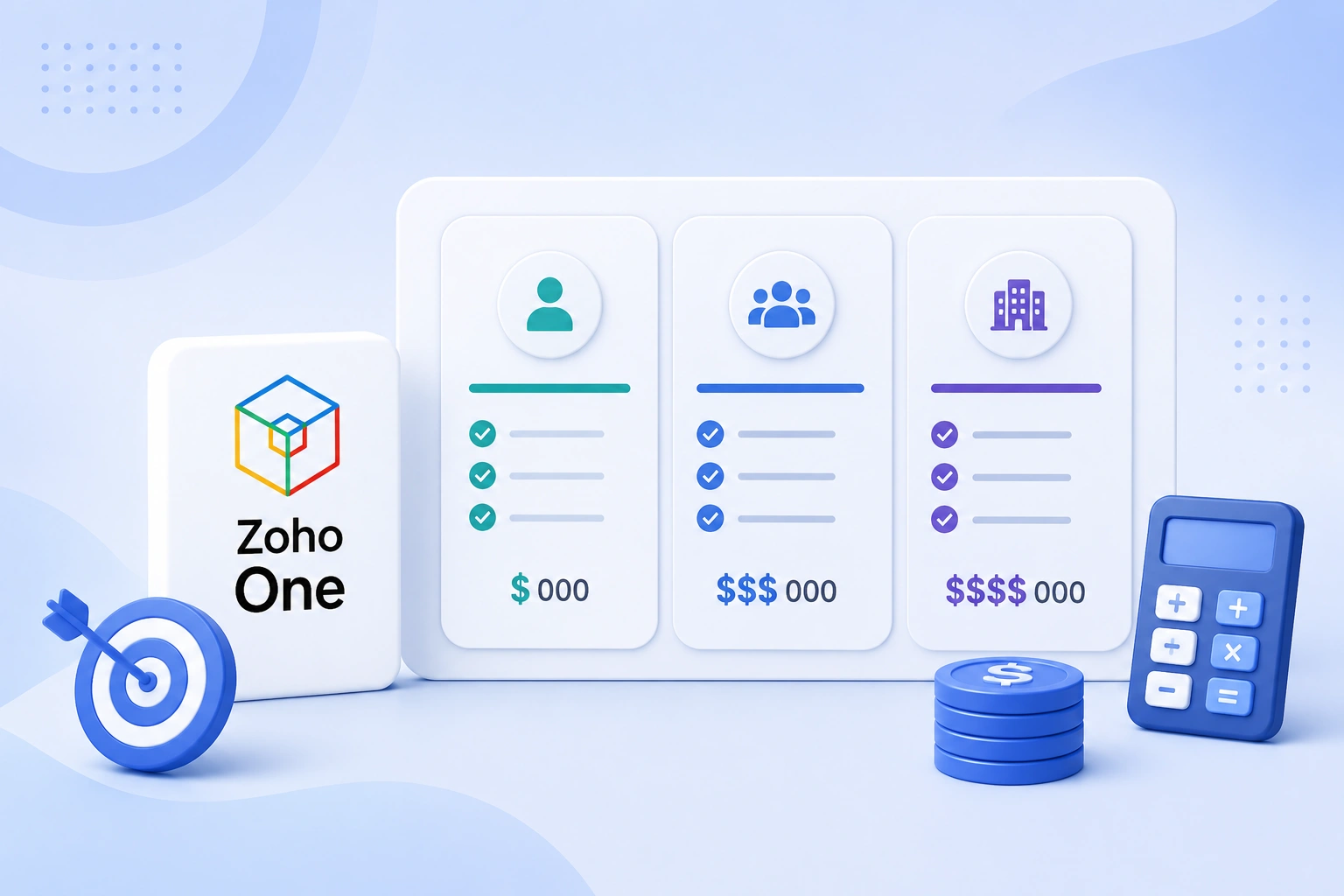
The following ranges are general industry benchmarks, not fixed quotes. Your actual Zoho One implementation cost will depend on business size, customization requirements, integrations, data migration, and overall project scope.
1. Small business implementation
Suitable for organizations with 10 to 25 users, typically covering core apps such as Zoho CRM, Zoho Books, and basic workflow automation. Professional implementation services generally fall within the low to mid five-figure range (USD).
2. Mid-size business implementation
For businesses implementing four or more Zoho applications across multiple departments, usually with moderate customization, automation, and integrations. Costs often extend into the higher five-figure range (USD).
3. Enterprise implementation
For large organizations with complex processes, often including advanced integrations, extensive Deluge scripting, multi-entity structures, and large-scale data migration. Project costs can extend well beyond the higher five-figure range, comparable to enterprise CRM or ERP projects on other platforms.
4. Data migration costs
Usually quoted separately. Migrating from platforms such as Salesforce to Zoho with a reasonably clean dataset is commonly estimated in the several-thousand-dollar range (USD), depending on volume and complexity.
Treat these as a starting reference for budgeting conversations, not a quote. Your actual cost depends on your specific requirements and scope.
Hidden Zoho One Implementation Costs Businesses Often Overlook
Some implementation-related expenses do not appear in the initial project quote but can add to your total cost of ownership over time. These include:
1. Additional Storage Costs: As teams store more videos, attachments, and documents, they may exceed the storage included in their subscription, resulting in extra charges.
2. Premium Support Plans: Businesses needing faster response times or dedicated technical assistance may opt for premium support, priced separately from the standard subscription.
3. User Re-Training: Major Zoho feature updates or workflow changes may require refresher training to keep employees using the platform efficiently.
4. Ongoing System Administration. As the business grows, admins spend time managing users, permissions, workflows, and system performance.
5. Continuous Workflow Optimization. New requirements or process changes often lead to workflow modifications and enhancements after the initial implementation.
💡
Tip: Extra storage isn’t a one-time fee. Zoho bills it monthly for as long as you’re over your plan’s limit, currently $4 per 100 MB per month on Zoho CRM. It’s worth checking your expected data and attachment volume against your plan’s included storage before go-live, rather than adding storage reactively once you hit the cap.
How to Estimate Your Own Zoho One Implementation Cost
Before you request a quote from a Zoho Partner, take some time to understand your business requirements. Clear answers to a few key questions will help you get a more accurate estimate. Ask yourself:
- How many users will need access to Zoho One? This also determines whether the All Employee or Flexible User licensing model suits you better.
- Which Zoho applications do you need in the first phase? Focus on the apps your business will actively use rather than implementing everything at once.
- Where is your existing data stored? Consider whether it’s spread across spreadsheets, legacy software, or another CRM, and whether it’s clean and organized.
- Do you need integrations with other business systems? Identify which third-party systems need to connect with Zoho One and whether they offer well-documented APIs.
- Are there any industry-specific compliance requirements? Regulated industries may need additional configuration for reporting or audit purposes.
Preparing this information before a discovery call helps implementation partners give you a realistic estimate instead of a generic quote.
Making an Informed Zoho One Implementation Decision
Understanding what affects Zoho One implementation cost helps you plan with greater confidence. From users and applications to data migration, integrations, and ongoing support, every business has unique requirements that shape the overall effort. Defining your objectives and technical needs before starting sets realistic expectations and helps you build a Zoho One environment that supports your business as it grows.
How CRM Masters Can Help
As a Zoho Premium Partner, CRM Masters has delivered 2,400+ Zoho implementations across 15+ industries. Our certified Zoho developers help businesses plan, implement, customize, and optimize Zoho One around their specific operational requirements rather than a one-size-fits-all setup.
Our services span business process assessment, end-to-end implementation, data migration from legacy systems or other CRM/ERP platforms, customization and workflow automation (including Deluge scripting), third-party integrations, user training and go-live support, and ongoing optimization as your business grows.
If you are evaluating Zoho One for your business, talk to our Zoho implementation team to get a scoped estimate based on your actual requirements rather than a generic quote.
FAQ
Q1. Is Zoho One implementation included in the license price?
Ans. No. The subscription covers access to the applications, storage, and baseline features. Setup, configuration, data migration, and training are separate and are either done internally or through a paid implementation service.
Q2. How long does Zoho One implementation take?
Ans. Timelines vary with scope. A single-app, small-team rollout can be done in a few weeks. A multi-department implementation with custom integrations commonly takes two to four months from kickoff to go live.
Q3. Can I implement Zoho One myself?
Ans. Yes, for simpler setups. Zoho’s documentation and guided onboarding are designed for self-service use, particularly for a small number of core apps without complex integration needs.
Q4. Does implementation cost differ by country?
Ans. Yes. Partner hourly rates vary by region, which affects total service cost even though Zoho’s own subscription pricing is largely consistent globally in USD terms.
Q5. Can I implement Zoho One in phases to spread out the cost?
Ans. Yes. Many businesses roll out core apps first, typically CRM and Books, and add others like Desk, People, or Inventory in later phases. This spreads both cost and change management across a longer timeline, though integration work between phases needs to be planned upfront rather than as an afterthought.
Q6. Do I need a certified Zoho partner, or can any IT consultant implement Zoho One?
Ans. Any technically capable team can attempt it, but certified Zoho partners have direct access to Zoho’s partner resources, product training, and support escalation paths that non-certified consultants don’t. For complex, multi-app implementations, this often translates to fewer configuration errors and a smoother go-live.