




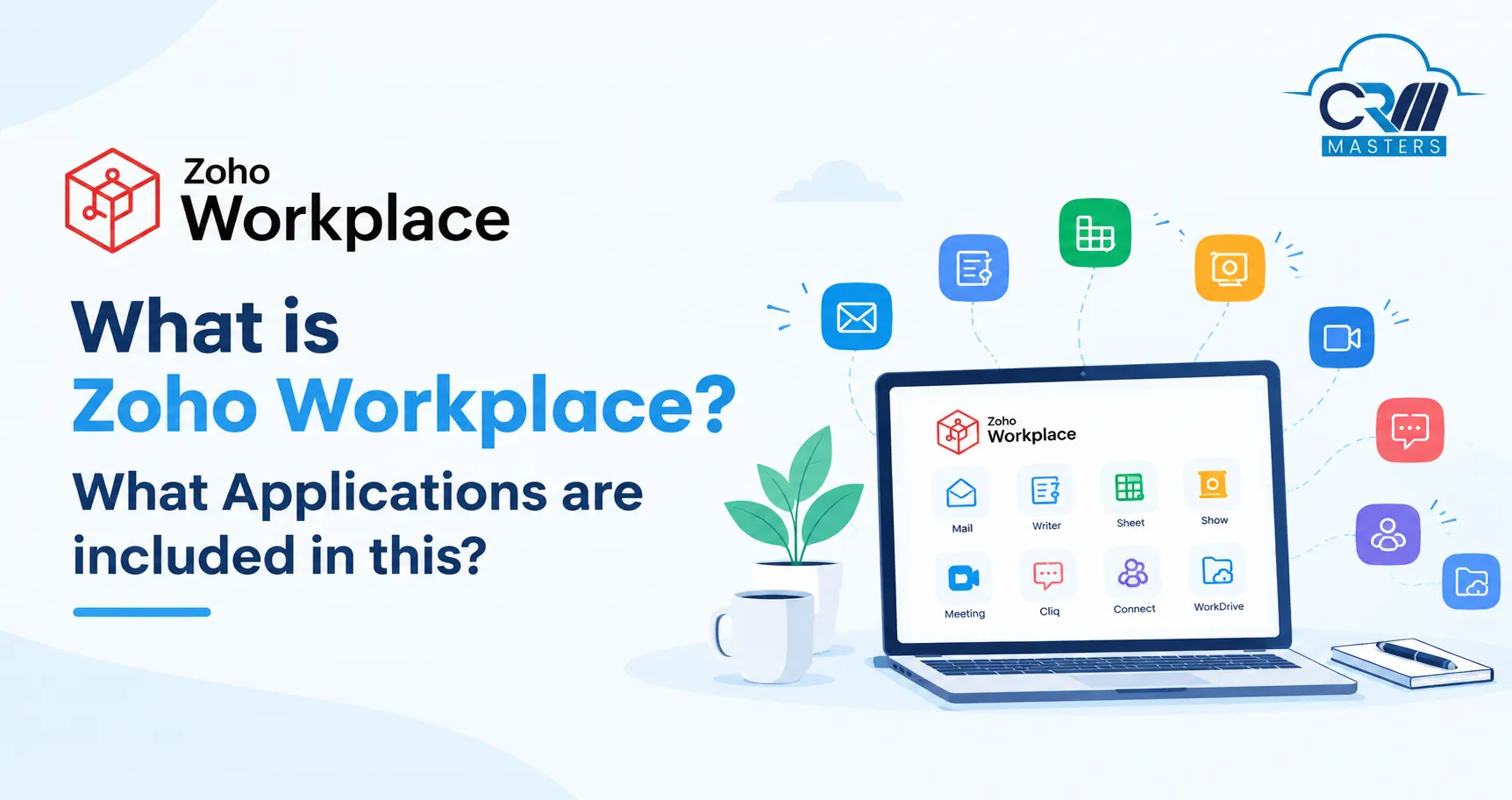
What is Zoho Workplace? What Applications are included in this?
Zoho Workplace is a cloud suite from Zoho Corporation that gives a business email, team chat, document editing, file storage and video meetings under one subscription. Companies use it as an alternative to Google Workspace and Microsoft 365. Zoho says more than 550,000 customers use it worldwide.
This guide explains what Zoho Workplace includes, what it costs, how it compares with Google Workspace, how to set it up and where it falls short.
Key Points
What is Zoho Workplace?
Zoho Workplace is a set of business apps that work together under one login. A team can send email, chat, edit a shared spreadsheet, store files and join a video call without moving between separate tools or paying separate vendors.
It is made for small businesses, mid sized companies and large organizations. It works on the web, on desktop and on mobile, so it suits office, remote and hybrid teams.
How Is Zoho Workplace Different From Zoho Mail?
Zoho Mail is one app inside Workplace. You can buy it alone if you only need business email on your own domain. Workplace adds chat, documents, storage and meetings.
Which Apps Are Included in Zoho Workplace?
Zoho Workplace includes email, calendar, chat, file storage, a word processor, a spreadsheet tool, a presentation tool, video meetings and an internal social network. The exact list depends on your plan.
What Does Each Core App Do?
Zoho Cliq handles quick conversations. Teams create channels for projects or departments, start calls and connect other Zoho apps. This cuts down long email chains.
Zoho WorkDrive stores files for the team. Admins choose who can view, edit or share each folder, and every file keeps a version history.
Zoho Writer, Sheet and Show let several people edit the same document, spreadsheet or presentation at once. They are built to open and edit existing Word, Excel and PowerPoint files.
Zoho Meeting runs video calls and webinars. Participant limits depend on the plan, so check the plan page before you choose.
Zoho Connect is the company wide communication space. Businesses use it for announcements, discussion forums, live town halls and events. It also has peer recognition tools, so employees can thank each other, and digital forms that staff can submit without email.
Features of Zoho Workplace
Zoho Workplace brings communication, document and security tools together in one suite, which makes it useful for businesses of different sizes and work styles. Here are its main features:
1. Unified Collaboration
Zoho WorkDrive, Writer, Sheet and Show let several people create and edit documents, spreadsheets and presentations together. Version history and comments show who changed what, so teams do not need to send files back and forth.
2. Professional Emails
Zoho Mail gives your business email on its own domain, without ads. It includes spam filtering, email recall and a built in calendar, tasks and notes.
3. Instant Messaging and Calls
Cliq supports chat, team channels and voice and video calls. It also connects with other Zoho apps, so teams can make quick decisions without long email threads.
4. Online Meetings and Webinars
Zoho Meeting runs video meetings and webinars with screen sharing, recordings and breakout rooms. The number of participants allowed depends on your plan, so check the plan page before choosing.
5. Social Intranet
Zoho Connect gives employees one place for forums, groups, announcements and shared knowledge. Companies also use it for town halls, peer recognition and digital forms.
6. Secure File Sharing and Management
WorkDrive lets admins control who can view, edit or share each file or folder. It also offers secure share links and audit trails that record file activity.
7. Extensive Admin Controls
Admins manage users, roles, storage and policies from one central panel. Adding or removing an employee takes only a few minutes.
8. Data Security and Compliance
Workplace includes multi factor authentication, single sign on and Zoho Directory for sign in security. Zoho states support for GDPR and Safe Harbor requirements, and higher plans add features such as S/MIME email security and retention storage.
9. Integrated AI Assistant
Zia is Zoho’s AI assistant. It helps improve writing, speeds up spreadsheet analysis and gives quick insights from your data.
10. Mobile Access
Zoho Workplace has mobile apps, and Mail, Calendar, Writer, Sheet, Cliq, Meeting and WorkDrive Sync also have free Windows and macOS apps. Your team can manage email, files, chats and meetings from anywhere.
How can Zoho Workplace make Teamwork easier?
1. Centralized Document Management
Teams create, edit and share documents in a single shared file. This removes the need to circulate email attachments and prevents confusion over which version is current.
2. Real-time collaboration Across Devices
Documents, spreadsheets and presentations can be opened and edited from any device. Comments and version history record who made each change and when, which keeps the review process clear and accountable.
3. Integrated Task and Calendar Management
Zoho ToDo and Calendar sit alongside the inbox, so tasks, deadlines and follow-ups stay visible in the same place where requests arrive.
4. Simplified IT Administration
A single admin panel manages user accounts, storage and permissions. Onboarding a new employee or removing a departing one takes only a few minutes.
5. Practical Example: A Ten-Person Marketing Team
Before adopting Workplace, the team used separate tools for email, chat, file storage and video calls. After the move, they prepare campaign briefs in Writer, discuss them in a Cliq channel, store assets in WorkDrive and hold weekly reviews in Zoho Meeting. Staff sign in once, and the company manages one subscription instead of four.
How Does Zoho Workplace Compare With Google Workspace?
Zoho Workplace costs less than Google Workspace and connects directly with Zoho business apps such as Zoho CRM. Google Workspace has a larger marketplace of third-party apps and more storage on its higher plans. The right choice depends on your budget, the software you already use and how your team works today.
For a full side by side review with pricing, features and migration steps, read our detailed guide: Zoho Workplace vs Google Workspace
Zoho Workplace Pricing in 2026
Note: Prices are in USD. Taxes may apply in addition to the listed prices. Check the official Zoho Workplace pricing page for the latest rates and plan conditions.
What Does Each Zoho Workplace Plan Include?
1. Mail Lite
Mail Lite is designed for businesses that need professional email hosting on their own domain. It offers 5 GB or 10 GB of email storage per user, along with calendar and task management features.
2. Mail Premium
Mail Premium is suitable for businesses that need advanced email security and compliance features. It includes 50 GB of mailbox storage and 50 GB of retention storage per user, along with email retention, eDiscovery and S/MIME capabilities.
3. Workplace Standard
Workplace Standard is designed for teams that need more than email. It includes 30 GB of email storage per user and shared file storage starting at 100 GB per team. Users can access applications such as Zoho Mail, WorkDrive, Writer, Sheet, Show, Cliq, Meeting, Vault and Directory.
4. Workplace Professional
Workplace Professional is suitable for businesses that require more storage and advanced collaboration features. It provides 100 GB of email storage and 100 GB of retention storage per user, along with 1 TB of shared team storage for teams of 3 to 10 users. It also includes Zoho Connect and additional security and administration features.
5. Workplace Enterprise
Workplace Enterprise offers custom pricing for organizations with more advanced requirements. It includes higher plan limits, additional security and administration capabilities, identity management options and the ability to create custom plans with other Zoho products.
Which Zoho Workplace Plan Should You Choose?
The right plan depends on your team’s requirements:
- Mail Lite: For businesses that primarily need professional email.
- Mail Premium: For teams that need stronger email security and retention.
- Workplace Standard: For small and growing teams that need email and collaboration tools.
- Workplace Professional: For businesses requiring greater storage and advanced workplace features.
- Workplace Enterprise: For large organizations with customized security, administration and storage requirements.
Before choosing a plan, compare the storage limits, included applications, security features and billing options. Businesses using other Zoho applications should also consider how Workplace fits into their existing software setup.
Who Are CRM Masters and How Can We Help?
CRM Masters is a CRM consulting and implementation company that helps businesses set up, customise and connect business software to their workflows. As a Zoho Premium Partner since 2016, we bring 10+ years of hands-on experience in CRM and business process implementation with our Zoho Implementation Services.
Find CRM Masters on Zoho Partner Directory
CRM Masters is listed on Zoho’s official partner directory as a verified Zoho Premium Partner. You can view our profile, read verified client reviews, and see our certifications directly on Zoho’s platform.
View Our Zoho Partner ProfileHere is how we can help your business get more from Zoho Workplace:
- Zoho Expertise: Our 60+ Zoho-certified experts specialise in Zoho CRM, Books, Desk, People, Creator and 50+ Zoho apps.
- Proven Experience: We have delivered 2,400+ Zoho projects for clients including Jawed Habib, OutdoorTech and M25 Systems Ltd.
- Workplace Setup: We help configure workplace applications, manage user access, migrate data and connect Zoho tools where supported.
- Ongoing Support: Our 24×7 support helps businesses resolve issues and keep their systems running smoothly.
- Global Experience: We serve clients across India, the US, the UK and the UAE. Explore our case studies to see real implementation results.
- Trusted Delivery: Our ISO 9001 and ISO 27001 certifications reflect our focus on quality management and information security.
Whether you are adopting Zoho Workplace for the first time or connecting it with your existing Zoho ecosystem, CRM Masters can help you build a setup that supports your team’s collaboration and business needs.


FAQ
What is Zoho Workplace used for?
Zoho Workplace is a cloud-based productivity suite used to manage business email, team communication, file storage, document editing and online meetings. It includes applications such as Zoho Mail, Cliq, WorkDrive, Writer, Sheet, Show and Meeting.
How much does Zoho Workplace cost?
Zoho Workplace offers different pricing plans based on features, storage and billing cycle. Mail Lite and Mail Premium are designed primarily for business email, while Workplace Standard and Professional include a broader range of collaboration tools. Visit the official Zoho Workplace pricing page for the latest prices.
What is the difference between Zoho Mail and Zoho Workplace?
Zoho Mail is primarily a business email service that supports custom domains, calendars, tasks and notes. Zoho Workplace includes email along with collaboration tools such as Cliq, WorkDrive, Writer, Sheet, Show and Meeting, depending on the selected plan.
Is Zoho Workplace suitable for small businesses?
Yes, Zoho Workplace can suit small businesses that need professional email, document sharing, team messaging and online meetings in one subscription. Businesses can select a plan according to their team size, storage needs and budget.
Can Zoho Workplace integrate with Zoho CRM and other Zoho applications?
Yes, Zoho Workplace works with other Zoho applications, including Zoho CRM. These connections can help teams access business information, collaborate on files and streamline communication. The available capabilities depend on the applications, configuration and integration requirements.
Can a business migrate from Google Workspace or Microsoft 365 to Zoho Workplace?
Yes, businesses can migrate supported email and other data from platforms such as Google Workspace and Microsoft 365 to Zoho Workplace. The migration process depends on the data types, mailbox sizes, permissions and existing setup. Planning the migration helps reduce disruption and minimise data loss.
Can CRM Masters help with Zoho Workplace implementation?
Yes, CRM Masters helps businesses configure Zoho applications, migrate data, set up integrations and customise workflows according to their requirements. As a Zoho Premium Partner since 2016, CRM Masters also provides implementation guidance, training and ongoing support to help businesses get more value from their Zoho ecosystem.








