



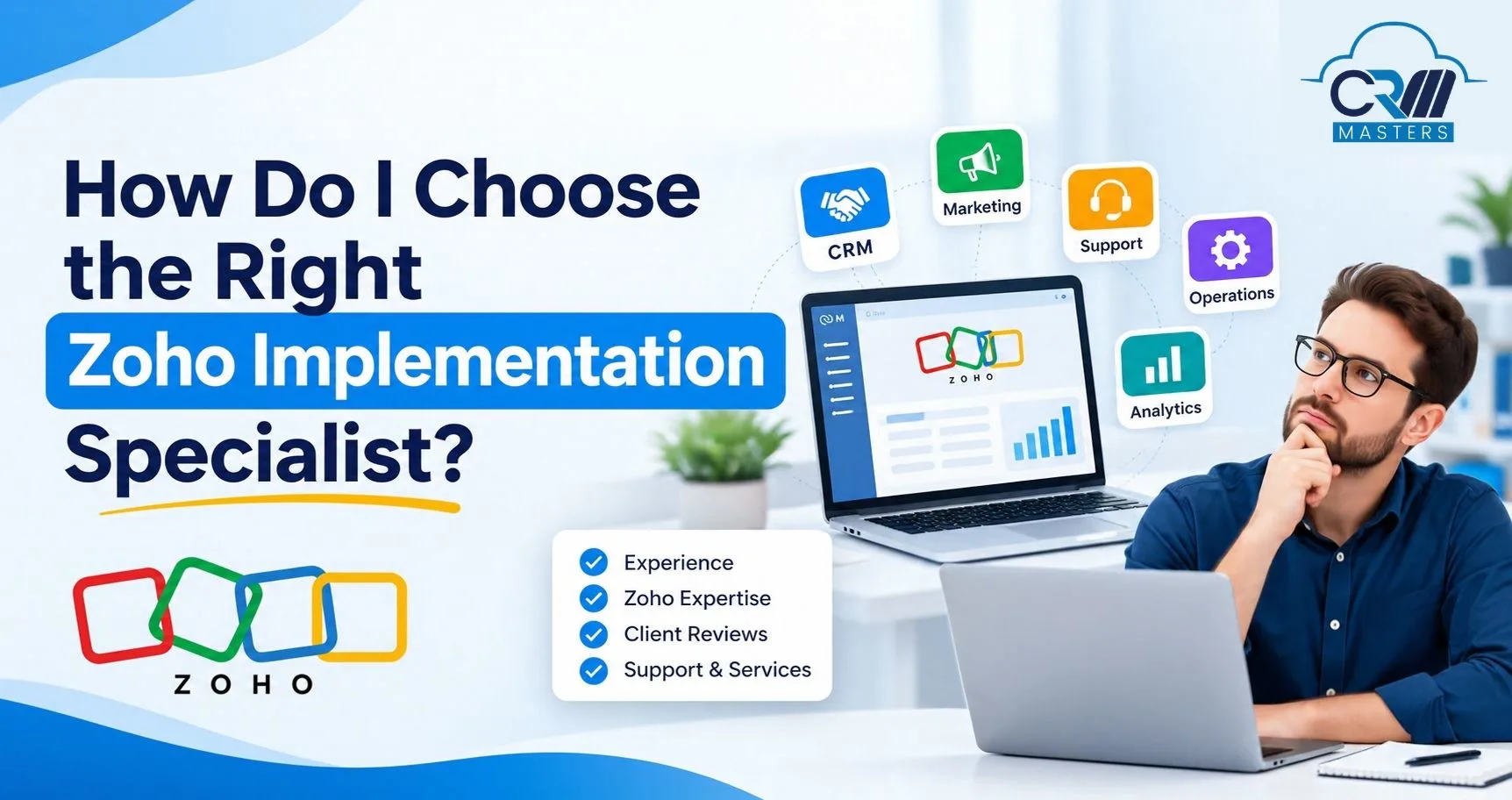
How Do I Choose the Right Zoho Implementation Specialist?
Choosing a Zoho implementation specialist is one of the most important decisions you will make in your Zoho journey, because the software is only as useful as the way it is set up. Two companies can buy the same licenses and see very different results. One ends up with a system the team relies on every day, while the other ends up with a tool that sits unused and a project that needs to be rebuilt within a year.
The difference usually comes down to the specialist. The right one takes time to understand how your business works, recommends only the Zoho apps you need, and hands over a system your own team can manage. The wrong one rushes into configuration and leaves you with problems that are expensive to fix later.
This guide explains what a Zoho implementation specialist does and how to check their partner status, skills, process, pricing, and support, with a scorecard and the red flags to watch for. By the end, you will know how to compare your options with confidence.
Quick answer: Choose a specialist who is listed in Zoho’s official partner directory, has delivered projects like yours, starts with a discovery phase, quotes every cost in writing, and leaves you with full admin ownership and a support plan. Shortlist three, give each the same requirements, and compare them with a weighted scorecard.
What Is a Zoho Implementation Specialist?
A Zoho implementation specialist plans, configures, connects, and launches Zoho applications for a business. They can be an official Zoho partner, an independent freelancer, or an in-house expert.
Their work usually includes:
- Mapping your current processes
- Choosing the right Zoho apps
- Setting up modules, fields, workflows, and reports
- Writing custom functions with Deluge, Zoho’s scripting language
- Connecting Zoho with other tools through APIs
- Moving old data into Zoho
- Training your team after launch
Why Does Choosing the Right Zoho Implementation Specialist Matter So Much?
The specialist you choose decides how well Zoho fits your business, because the software is only the starting point. Two companies can buy identical Zoho licenses, and one ends up with clean pipelines and trusted reports while the other ends up with a tool nobody opens. The difference is how well the system was designed around real work.
Here are eight ways the choice affects your results.
1. Drives Team Adoption
A system built around your daily tasks feels easy to use. A system built from a generic template feels like extra work, and people go back to spreadsheets and chat apps.
2. Protects Data Quality
Poor data migration creates duplicate contacts, broken links between customers and invoices, and missing history. A skilled specialist cleans, maps, and tests data before the full import.
3. Builds Reliable Reports
Dashboards are only as accurate as the data and fields behind them. If managers stop trusting the numbers, they stop using them to make decisions.
4. Improves Process Automation
Good automation removes repeat work such as follow up reminders, lead assignment, and invoice creation. Poor automation adds confusion, and it can break when you change a sales stage or add a product line.
5. Controls Long Term Cost
The project fee is only the visible cost. A weak setup often needs a rebuild within a year or two, so you pay twice and lose the time your team spent learning the old version.
6. Supports Business Growth
A well planned setup lets you add users, apps, teams, and locations without starting over. A rushed one forces rework every time the business changes.
7. Secures Your Data
Roles, profiles, and permissions decide who can see and change what. Mistakes here can expose sensitive customer or financial data, and a partner who keeps the only master login can leave you locked out.
8. Reduces Consultant Dependency
A strong specialist trains your team, documents every workflow and custom function, and hands over admin access. You can then make small changes yourself or move to another partner without losing anything.
How to Choose the Right Zoho Implementation Specialist?
1. Define What You Need Before You Contact Anyone
You can only judge a specialist against clear requirements. Zoho has dozens of apps, and most businesses need only a few.
Also note your team size, current tools, where your data lives today, your deadline, and your budget range. A good Zoho implementation specialist recommends only the apps that solve your actual problems, not the whole suite.
2. Verify Their Official Partner Status
Do not rely on a badge on a website. Search for the company by name in the official Zoho Partner Directory at zoho.com/partners.
Zoho consulting partners sit in three tiers:
A higher tier is a useful signal, but it is not a guarantee. A smaller partner with strong experience in your industry can beat a Premium partner with none. Use the tier as a first filter, then check the actual project work. For more on how tiers work, read our guide on what a Zoho partner is.
3. Check Technical Capabilities
Identify their Zoho Apps Expertise
Someone excellent at Zoho CRM may have little experience with Zoho Books or Inventory. If you plan to connect CRM, Books, and Analytics, ask for certified experience in every one of them.
Find CRM Masters on Zoho Partner Directory
CRM Masters is listed on Zoho’s official partner directory as a verified Zoho Premium Partner. You can view our profile, read verified client reviews, and see our certifications directly on Zoho’s platform.
View Our Zoho Partner ProfileCustomization and integrations
Ask about:
- Deluge scripting and custom functions
- Zoho Creator for custom modules
- Integrations with payment gateways, WhatsApp, e-commerce platforms, accounting software, and older ERP systems
Then ask a less obvious question: when would you choose not to customize? A good specialist uses standard Zoho features wherever they work. Heavy custom code is harder to maintain and can cause problems when Zoho releases updates.
Local rules and compliance
Your setup must follow the tax and data rules of your country. In India, that means GST mapping, TDS and TCS settings in Zoho Books, and e-invoicing. In other regions, it can mean VAT, sales tax, or data protection laws such as GDPR.
4. Ask for Proof, Not Promises
Ask every shortlisted specialist:
- Can you show two or three completed Zoho projects?
- Have you worked with businesses in my industry and of my size?
- What problem did each project solve?
- Which integrations and customizations did you build?
- Can I speak with a current or past client?
- Who will do the work: senior certified consultants or junior staff?
Look beyond attractive dashboards. Ask for results you can measure, such as a shorter sales cycle, fewer manual entries, or faster invoicing.
5. Understand their Project Management Approach
A strong specialist starts with discovery, not licenses. A fixed quote after one sales call is a warning sign, because nobody can scope a project they do not yet understand.
A reliable process looks like this:
- Business discovery: Understand your operations, problems, and goals.
- Process mapping: Document current workflows and find what to improve.
- Solution design: Choose apps, plan integrations, and design the setup.
- Build and customization: Configure modules, automation, integrations, and reports.
- Testing and data migration: Check workflows and validate migrated data.
- Training and handover: Train your team and hand over documentation.
- Post-launch support: Fix issues and keep improving the system.
Discovery should end with a written document, often called a Business Requirements Specification (BRS). It records your workflows, your bottlenecks, and the planned design. Ask what document you will receive before you sign anything.
6. Compare Pricing and Contract Terms
The cheapest quote is rarely the cheapest result. Ask for an itemized proposal that covers:
- Discovery and business analysis
- Zoho license costs (usually paid to Zoho, separate from the implementation fee)
- Implementation and configuration
- Custom development
- Third-party integrations
- Data migration
- Training
- Annual support and maintenance
Also ask how they charge:
Insist on a written Statement of Work (SOW) and a service agreement before work starts. Ask what happens if the project is delayed or deliverables are missed.
7. Ask How They Handle Data Migration and Security
Moving data from spreadsheets, Tally, Salesforce, or HubSpot into Zoho is one of the riskiest parts of any project. Ask how they:
- Clean and remove duplicate records
- Link old records, such as past invoices, to the right customer accounts
- Back up data before importing
- Run a test migration on a small sample first
- Set up roles, profiles, and permissions
- Protect your data under a signed Non-Disclosure Agreement (NDA)
8. Confirm Support and Admin Ownership
Many projects struggle right after going live, when real users meet the new system. Check that the proposal includes:
- A defined “hypercare” period with clear response times for bug fixes
- A training plan for each user group
- Written documentation of every workflow and custom function
- Your own Super Admin access. Never let a partner hold the only master login.
If you hold the admin account and the documentation, you can change partners later without starting from zero.
Which One to Choose: Zoho Partner vs Freelancer vs In House Team
Also Read: Zoho Partner vs Zoho Consultant
What Are the Red Flags When Hiring a Zoho Implementation Specialist?
Most warning signs appear before any work begins, in the first call, the proposal, or the contract. Catching them early can save you from a project that costs more than planned and still does not suit your team. Avoid specialists who:
1. Rushed Quotes, No Discovery
A low fixed price and a quick launch date, offered before anyone has studied how your team works, are really guesses. Be careful with proposals that only list apps and licenses without describing your processes.
2. Agrees to Everything Instantly
Every Zoho app has limits, and a knowledgeable specialist will tell you where they are. If every question gets an instant “yes,” with no mention of trade-offs or custom code, they may lack depth.
3. Weak Credentials and References
Ask whether the person configuring your system is Zoho certified, and request client references from businesses like yours. If they discourage you from speaking to past clients, take that seriously.
4. Pressure and Vague Contracts
Fake deadlines and “sign this week for a discount” offers are sales tactics. The Statement of Work should clearly list deliverables and who owns the custom work, and prices far below the market usually lead to extra charges later.
5. No Plan After Launch
If support and training are “available on request,” with no response times or maintenance plan, you will be on your own when issues appear. Also ask who owns the custom scripts and admin access if you ever part ways.
How CRM Masters Approaches Zoho Implementations
CRM Masters is a Zoho Premium Partner, founded in 2016. The team has completed 24,00+ Zoho projects across multiple industries with a team of certified consultants and 24×7 support. Every project begins with discovery, ends with documentation and training, and keeps admin control with the client. You can verify our partner status in Zoho’s directory, and you can see how we work on our Zoho implementation partner page.


FAQ
Q1. How long does a Zoho implementation take?
Ans. It depends on scope. A basic CRM setup can take a few weeks, while projects with several apps, integrations, and data migration take longer. Ask for a phased plan with dates.
Q2. How much does a Zoho implementation specialist cost?
Ans. Cost depends on the number of apps, users, customizations, integrations, and migration work. Ask for an itemized quote and remember that Zoho license fees are separate.
Q3. Do I need an official Zoho partner?
Ans. It is not required, but a listed partner is easier to verify and usually has a certified team behind the work. Always check project experience as well.
Q4. What should I ask on the first call?
Ans. Ask for two or three similar case studies, who will do the work, what the discovery phase includes, and how training and support are handled.
Q5. Can I change specialists in the middle of a project?
Ans. Yes, if you hold the Super Admin account and have written documentation. Without both, switching is far harder.
Q6. What is the most common mistake when hiring?
Ans. Hiring before defining requirements. Without clear goals, you cannot compare quotes or judge results.