



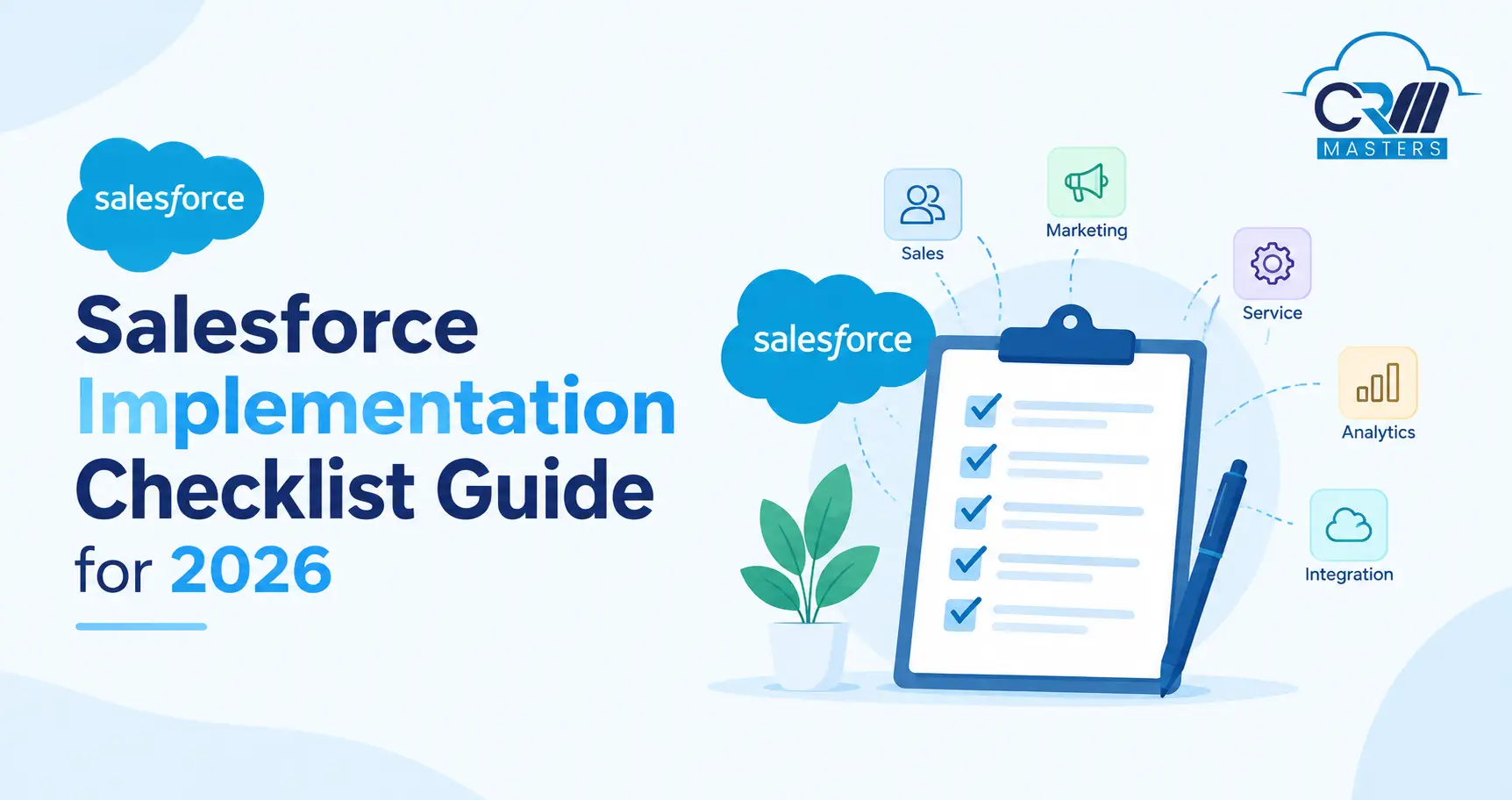
Salesforce Implementation Checklist Guide for 2026
A Salesforce implementation checklist is a phase-by-phase list of tasks that takes a business from deciding to use Salesforce to running it successfully. It covers planning, configuration, data migration, testing, training, go-live, and ongoing improvement.
This guide breaks the process into six phases. Each phase lists what to do, who owns it, and what you should have at the end.
Key Points
What Is a Salesforce Implementation?
A Salesforce implementation is the process of planning, configuring, populating, and launching Salesforce so it matches how your business sells, serves, or markets.
It is more than switching on licenses. A complete implementation includes:
- Defining business goals and scope
- Configuring objects, fields, security, and automation
- Moving existing data into Salesforce
- Connecting other systems
- Training users and managing the change
- Supporting the team after launch
Implementation vs. Migration vs. Customization
These terms are often mixed up.
Migration and customization are parts of an implementation, not substitutes for it.
The Six Phases at a Glance
*Indicative ranges for a mid-sized, single-cloud project. Scope, data quality, and integrations change them significantly.
Phase 1: Discovery and Planning
This phase decides whether the project succeeds. Mistakes here are the most expensive to fix later.
Checklist
- Name an executive sponsor: Pick a leader who can set priorities and free up people’s time. For Sales Cloud, this is often the head of sales. For Marketing Cloud, it is usually the head of marketing.
- Form a core project team: Include a project manager, a business analyst, a Salesforce admin, and representatives from each team that will use the system.
- Write the project vision: State the outcome in measurable terms, such as “cut quote turnaround from five days to one.”
- Document current processes: Map how leads, deals, cases, or campaigns move today, and where they get stuck.
- Gather requirements from end users: Interview the people who will use Salesforce daily, not only managers.
- Set the scope for phase one: List what is in, and what is explicitly deferred to later phases.
- Choose the Salesforce edition and clouds: Match features to requirements. Edition names and bundles change, so confirm current options on Salesforce’s pricing page.
- Estimate user counts and license types: Separate full users from limited or portal users.
- Choose a delivery method: See the comparison below.
- Build the budget and business case: Include licenses, implementation services, data work, integrations, training, and ongoing admin time.
- Select an implementation partner: Define in writing what the partner owns and what your team owns.
- Plan change management: Decide how and when you will tell users what is changing.
Choosing a Delivery Method
Phase 2: Design and Configuration
This is where Salesforce is shaped to your business. Good design here keeps the system simple to use and cheap to maintain.
Checklist
- Decide on a single org or multiple orgs: One org is simpler. Multiple orgs are usually justified only by legal, regional, or business-unit separation.
- Design the data model: Use standard objects such as Account, Contact, Lead, Opportunity, and Case first. Add custom objects only when standard ones cannot fit the need.
- Define the security model: Set org-wide defaults, role hierarchy, sharing rules, and permission sets so people see only what they need.
- Configure page layouts and apps: Show each role only the fields and tools it uses.
- Build automation in Flow: Document every flow so future admins can maintain it.
- Set up reports and dashboards: Build the views managers need on day one.
- Set up the sandbox strategy: Decide where building, testing, and training will happen.
- Define the release process: Choose how changes move to production, such as change sets, Salesforce CLI, or DevOps Center.
- Limit customization: Every custom element adds maintenance effort. Build only what the scope requires.
Salesforce Sandbox Types
Refresh intervals and storage limits differ by type and edition. Check Salesforce Help for current limits before planning your test schedule.
Phase 3: Data Migration and Integration
Poor data is one of the most common reasons users lose trust in a new CRM. Plan this phase early, because cleaning data takes longer than loading it.
Data Migration Checklist
- Inventory your data sources: List every system, spreadsheet, and file that holds customer data.
- Decide what to migrate: Not all history needs to move. Archive what users will not use.
- Clean the data first: Remove duplicates, fix formats, and fill critical missing fields.
- Map source fields to Salesforce fields: Record every mapping in one document.
- Define the load order: Parents load before children, for example, Accounts before Contacts, Contacts before Opportunities.
- Use external IDs: To preserve relationships between records.
- Choose the tool: The Data Import Wizard suits smaller loads (up to 50,000 records at a time). Data Loader or a migration tool suits larger ones.
- Run at least one full dry run in a sandbox: Check record counts, relationships, and a sample of records against the source.
- Get written sign-off: From the data owner before the production load.
- Plan for downtime: Tell users when the source system will freeze.
Integration Checklist
- List every system that must exchange data with Salesforce, such as email, ERP, accounting, marketing, or support tools.
- Decide the direction and frequency of each data flow.
- Choose the method, native connector, AppExchange app, middleware, or custom API integration.
- Test integrations with realistic data volumes, not only a handful of records.
- Assign an owner for monitoring and error handling after go-live.
Phase 4: Testing and User Acceptance
Testing confirms Salesforce works for real people doing real tasks.
Checklist
- Write test cases from the requirements. Every requirement should have at least one test.
- Run unit tests on automation and custom code.
- Run integration tests for every connected system.
- Test security by logging in as each role and confirming what that role can and cannot see.
- Run user acceptance testing (UAT) with actual end users in a Partial Copy or Full sandbox.
- Log defects and prioritize them. Fix blockers before go-live and schedule minor items for later.
- Get formal sign-off from the business owner.
- Write a deployment runbook. It should list every step, owner, and rollback action for go-live day.
Phase 5: Training and Go-Live
A system users do not understand will not be used. Treat training as part of the build, not an afterthought.
Training Checklist
- Train by role. A sales rep and a service agent need different sessions.
- Use a sandbox with realistic data.
- Combine live sessions, short videos, and one-page guides.
- Name champions in each team who can answer quick questions.
- Record sessions for new joiners.
Go-Live Checklist
- Freeze changes in the source system.
- Run the final data migration.
- Verify record counts and a sample of records.
- Deploy configuration to production using the runbook.
- Switch on integrations and confirm data is flowing.
- Send a go-live announcement with support contacts.
- Keep the project team on standby for the first days.
Phase 6: Hypercare and Continuous Improvement
Go-live is the start of adoption, not the end of the project.
Hypercare Checklist (First 4 to 8 Weeks)
- Hold a daily check-in for open issues during the first week.
- Track support requests by type to spot training or design gaps.
- Define when hypercare ends and normal support begins.
- Compare early results with the goals in your business case.
Continuous Improvement Checklist
- Track adoption: logins, records created, and reports used.
- Run a Salesforce health check regularly.
- Hold user feedback sessions every quarter.
- Keep a prioritized backlog of improvements.
- Move to small, frequent releases.
- Review data quality monthly: duplicates, missing fields, and stale records.
- Update the roadmap each quarter.
Who Does What: Roles in a Salesforce Implementation
How Long Does a Salesforce Implementation Take?
Duration depends on users, clouds, data volume, integrations, and customization.
Treat these as planning ranges, not promises. A phased rollout with a focused first release usually reaches value sooner than one large launch.
Get Ready for AI: Agentforce and Data Cloud Checklist
AI features are only as reliable as the data and processes behind them. If AI is on your roadmap, add these items to the plan.
- Fix data quality first. Remove duplicates and standardize key fields.
- Define the use case. Start with one clear task, such as case summaries or lead follow-up drafts.
- Document the underlying process. An agent cannot follow a process nobody has written down.
- Decide data access rules. Confirm which data AI features can use and which they cannot.
- Consider unifying data. If customer data sits in several systems, assess whether Data Cloud is needed.
- Set review and escalation rules. Decide where a human must approve an AI action.
- Measure results. Define success metrics before launch.
Common Salesforce Implementation Mistakes and How to Avoid Them
Most Salesforce implementation problems are avoidable. They usually come from decisions made, or skipped, early in the project. Here are the eight mistakes we see most often, and the fix for each.
1. No Executive Sponsor
Without a senior owner, teams pull in different directions and decisions stall. Name an executive sponsor in phase 1, and give that person authority over priorities and budget.
2. Scope That Keeps Growing
Small additions pile up and lead to delays and budget overruns. Set a clear scope for the first release and use a change control process. Every new request should be reviewed and either approved with its cost or moved to a later phase.
3. Migrating Dirty Data
When users find duplicates and wrong records on day one, they lose trust in the system quickly. Clean and standardize your data before loading it, and get the data owner to sign off on the result.
4. Too Much Customization
Every custom object, field, and flow adds cost and makes upgrades harder. Use standard Salesforce features first, and customize only when a requirement cannot be met any other way.
5. Skipping a Data Migration Dry Run
Loading data for the first time on go-live day leads to surprises. Run at least one full dry run in a sandbox, then check record counts, relationships, and a sample of records against the source.
6. Training Too Late or Too Generic
Users who are trained late, or trained on features they will never use, struggle to adopt the system. Train by role, use realistic data, and finish training before launch.
7. No Plan After Go-Live
Without a support plan, issues pile up and the system slowly drifts from how the business works. Plan a hypercare period, then keep a prioritized improvement roadmap with regular releases.
8. Treating Adoption as Automatic
Buying licenses does not guarantee people will use them, and teams often go back to spreadsheets. Track logins, records created, and report usage, then gather feedback and act on it.
How CRM Masters Approaches Salesforce Implementation
CRM Masters is a Salesforce-certified partner that also delivers Zoho, HubSpot, and Microsoft Dynamics 365 projects. That multi-platform experience helps us recommend the right fit before we build anything.
Our Salesforce implementations follow the six phases above, with named owners and a signed-off scope at each stage. With 1,200+ projects delivered worldwide and 30+ certified Salesforce consultants, we bring proven experience to each one.
If you want a second opinion on your plan, our team can review your scope, data readiness, and timeline.


FAQ
Q1. How long does a Salesforce implementation take?
Ans. A small, single-cloud project can take 6 to 10 weeks. Mid-sized projects often take 3 to 5 months. Large, multi-cloud programs can take a year or more and are usually delivered in phases.
Q2. What is the first step in a Salesforce implementation?
Ans. Define the business goals and name an executive sponsor. Choosing features or configuring the system before the goals are clear is the most common early mistake.
Q3. How much does a Salesforce implementation cost?
Ans. Cost depends on edition, number of users, clouds, customization, integrations, data volume, and training. Licenses are only one part. Include implementation services, data work, and ongoing admin effort in the budget.
Q4. Do we need an implementation partner?
Ans. Not always. A small team with simple needs and an experienced admin can implement alone. Partners add the most value when the project involves multiple clouds, complex data, integrations, or tight timelines.
Q5. What is UAT in Salesforce?
Ans. User acceptance testing is when real end users test the system with realistic scenarios and confirm it meets business requirements before go-live.
Q6. What is hypercare?
Ans. Hypercare is the intensive support period right after go-live, usually a few weeks, where the project team resolves issues quickly before moving to normal support.
Q7. Can Salesforce be implemented in phases?
Ans. Yes. Many businesses launch one team or one cloud first, then expand. Phasing reduces risk and lets you apply lessons from the first release.
Q8. What is the difference between implementation and migration?
Ans. Implementation covers the full project of setting up and launching Salesforce. Migration is one part of it: moving data from your old system into Salesforce.